How to find Laptops & Computers in Ras Al Khaimah
To find Laptops & Computers in Ras Al Khaimah, describe what you need on FindHub: on findhub.app, in the iPhone or Android app, on WhatsApp at +971 800 3463482 or by calling the toll-free number 800 3463482. There are 4 registered shops for this category in Ras Al Khaimah. Your request is matched to relevant shops within your chosen distance; stock and replies depend on each shop. It is free for customers.
Shops for Laptops & Computers in Ras Al Khaimah on FindHub
★ 5 (37)
★ 4.6 (16)
★ 4.3 (8)
Ratings come from customer reviews and public sources such as Google Maps.
What people ask for in Laptops & Computers
7 5I 7I Slim 7 5i Pro Tower 5 Tower 7 5i Gen 6 5 Pro Gen 6 7 Gen 6
Choose a product and its specifications
Browse the Laptops & Computers catalogue and build your request
How it works
- Type what you need, speak it or add a photo, from the app, findhub.app, WhatsApp or by phone.
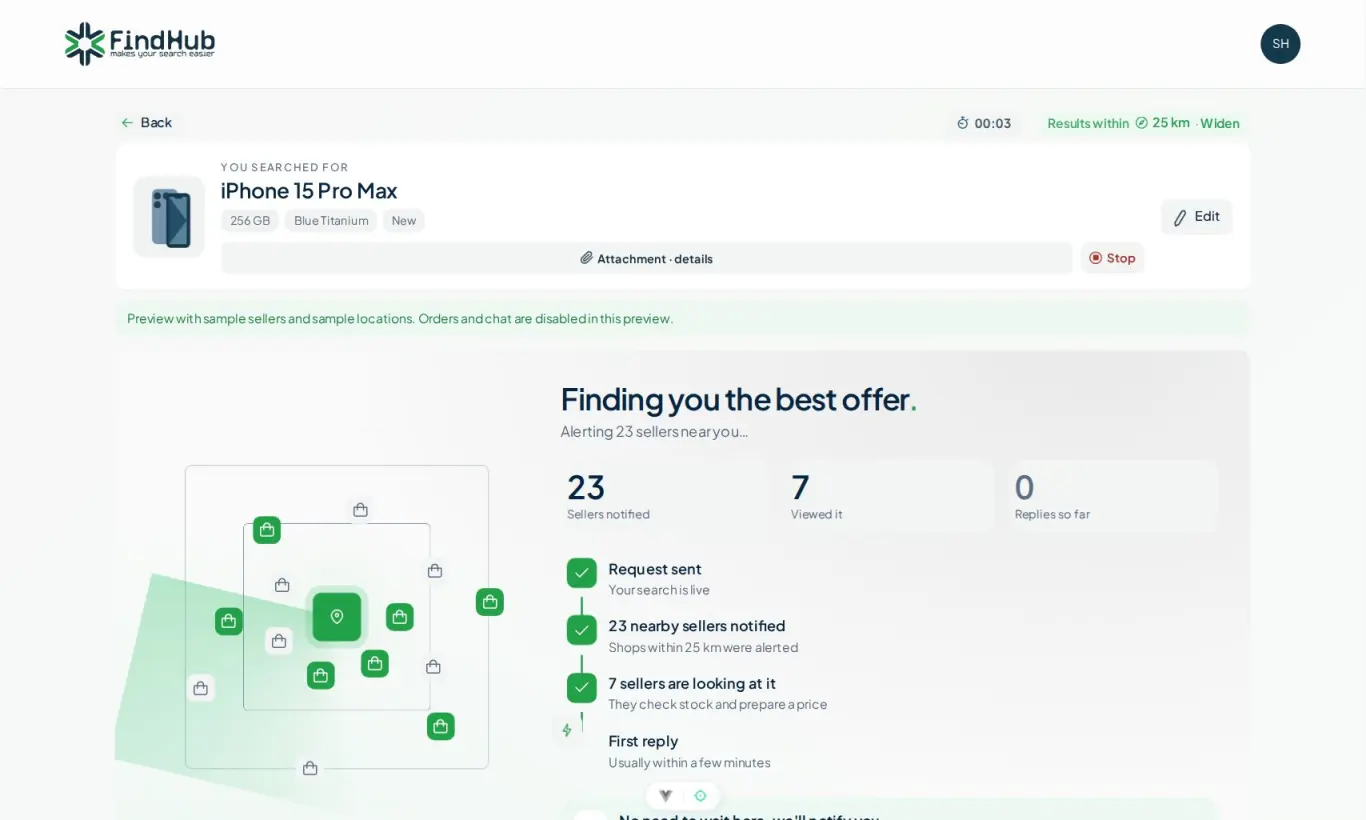
- FindHub sends your request to Laptops & Computers shops near you in Ras Al Khaimah.
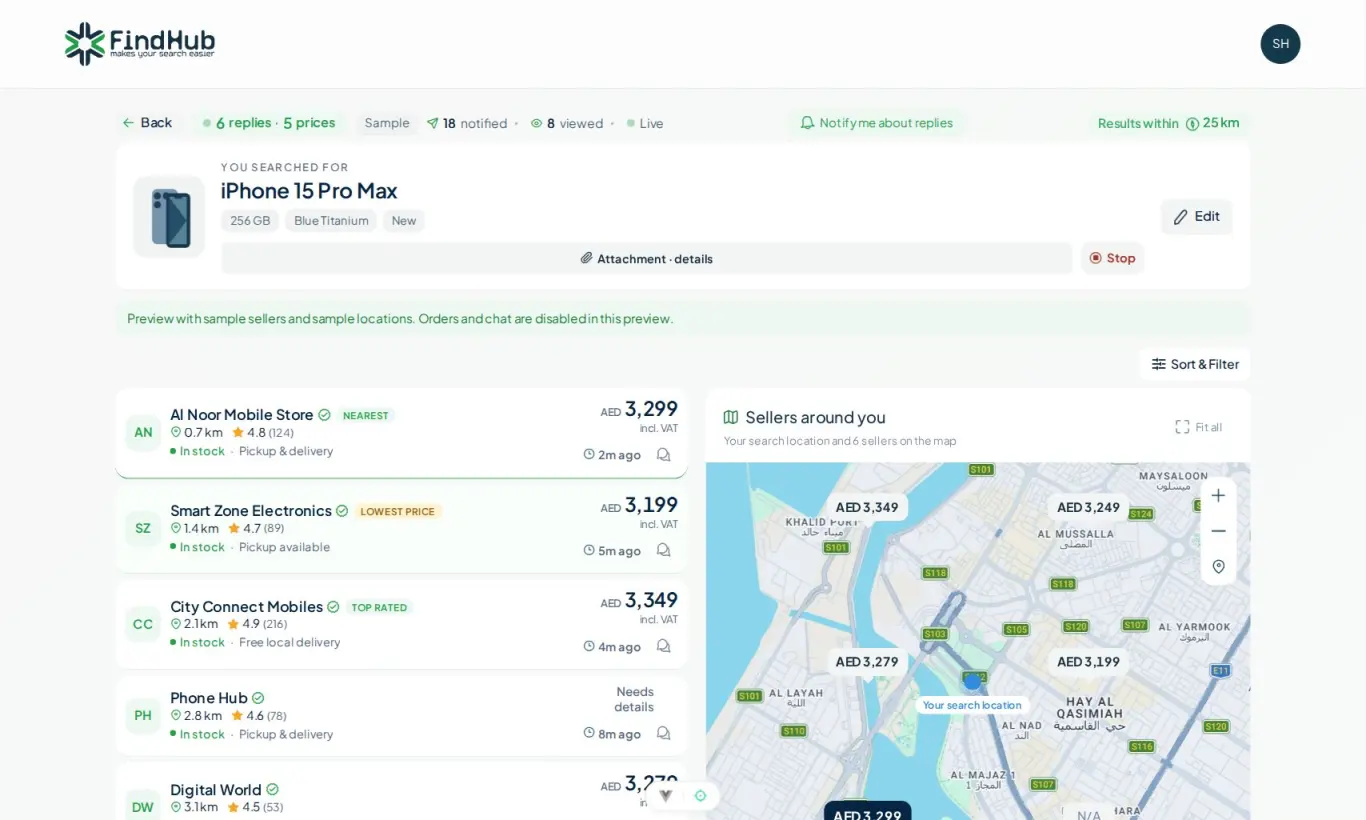
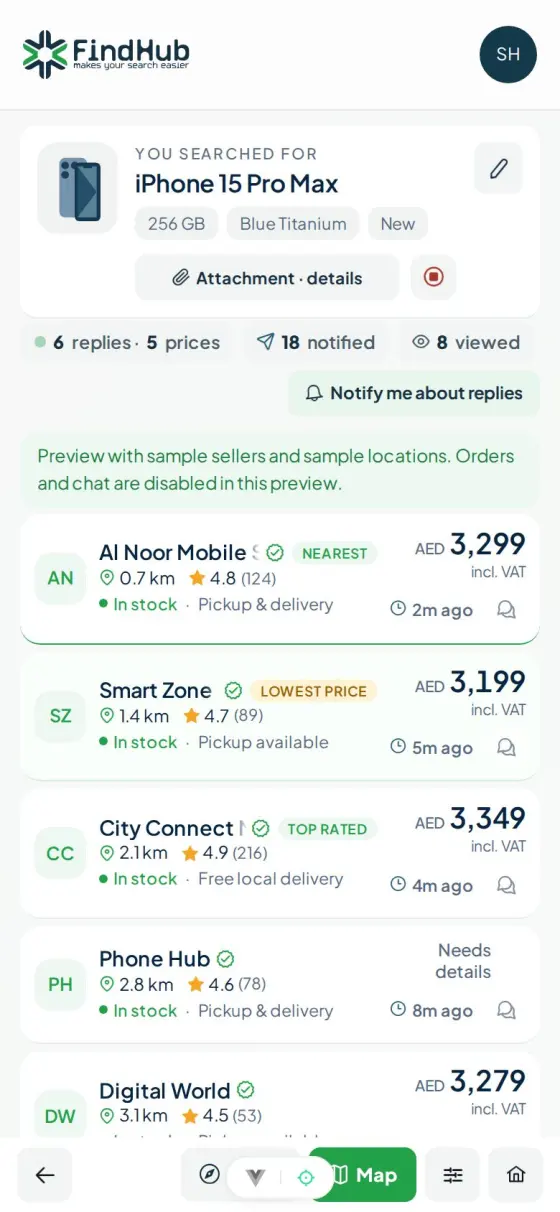
- Shops reply with price and availability and you pick the best one.
Before you ask
Include the laptop or computer model, processor, RAM, storage and screen size. Say whether you need a new or refurbished unit and an English or Arabic keyboard.
Compare the exact specifications, graphics and condition. Confirm the charger, battery condition, UAE warranty, VAT and pickup or delivery before choosing a shop.
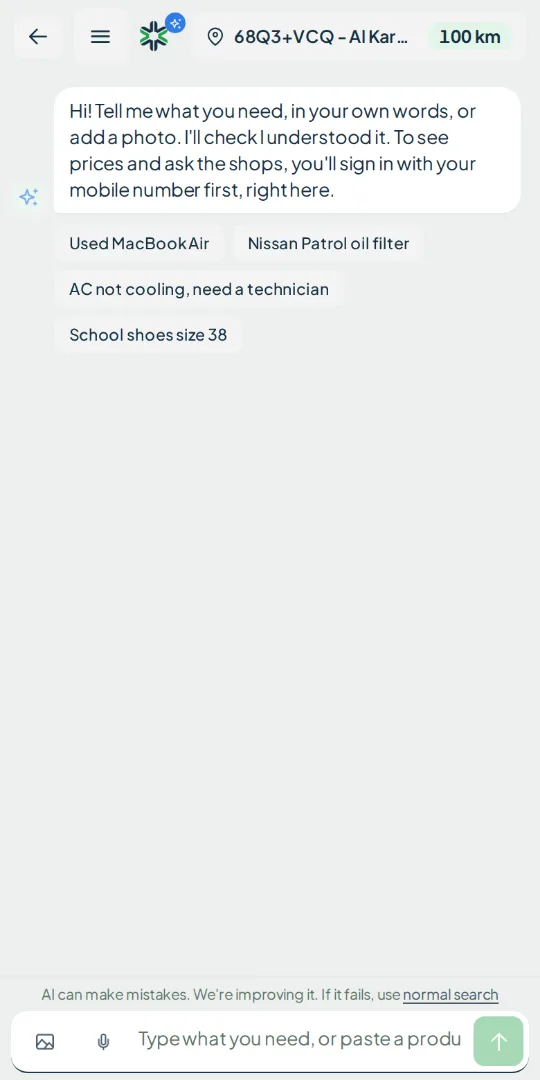
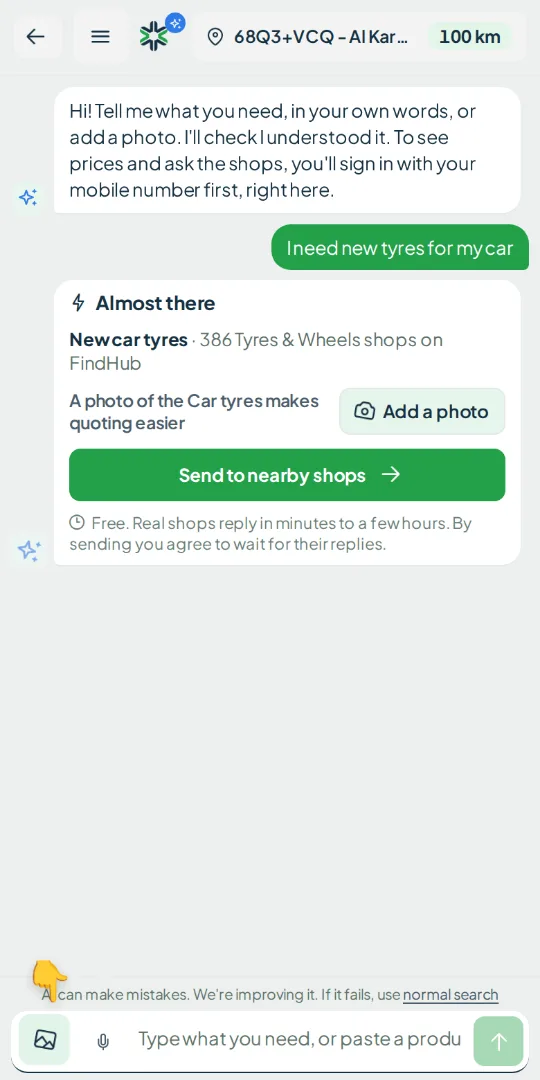
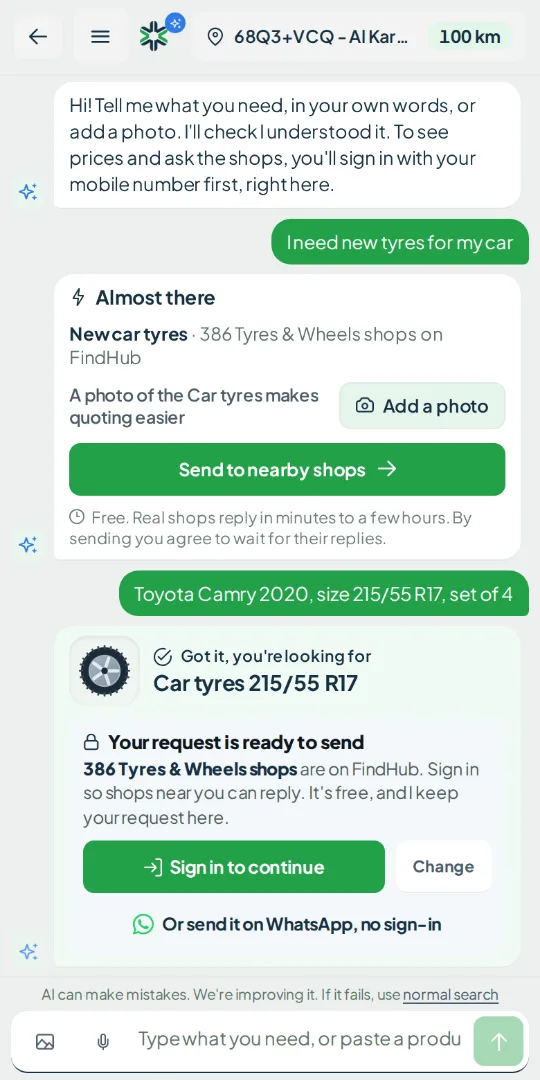
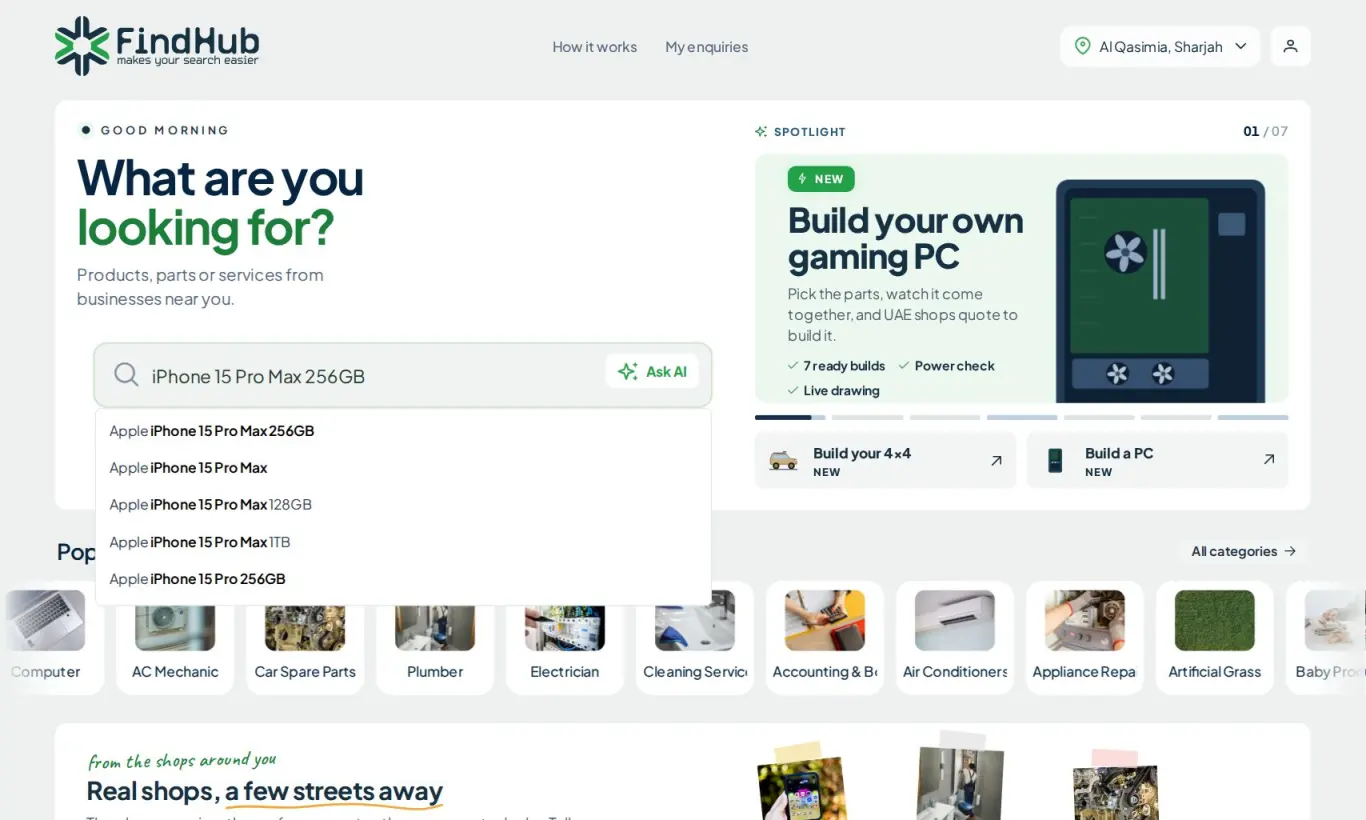
See the request steps: an illustrative example
Illustrative website screens from another request, with sample shops and prices. Use the guidance below for this category; the images are not offers for these items.
Areas in Ras Al Khaimah
Choose your actual location when asking. Areas in Ras Al Khaimah include Al Nakheel, Al Hamra, Julfar, Al Dhait, Al Qusaidat. Available shops depend on your location and selected distance.
Frequently asked questions
How do I find Laptops & Computers in Ras Al Khaimah?
Open findhub.app or the FindHub app and type what you need, speak it or add a photo, or message +971 800 3463482 on WhatsApp or call 800 3463482. Nearby Laptops & Computers shops reply with price and availability.
How many Laptops & Computers shops in Ras Al Khaimah are on FindHub?
There are 4 registered shops in Ras Al Khaimah right now. The number changes as new shops join.
Is it free?
Yes. Searching and asking shops for prices is free for customers.
Can I search with a photo or my voice?
Yes. Add up to 3 photos or speak in your language in the app or on findhub.app, or send a photo or voice note on WhatsApp.
What details should I include in my request?
Include the laptop or computer model, processor, RAM, storage and screen size. Say whether you need a new or refurbished unit and an English or Arabic keyboard.
How should I compare the replies?
Compare the exact specifications, graphics and condition. Confirm the charger, battery condition, UAE warranty, VAT and pickup or delivery before choosing a shop.
Does an estimated price confirm availability?
No. Estimated prices are a guide, not seller offers or confirmation of stock. Ask the shop or provider to confirm the final price and availability before agreeing.