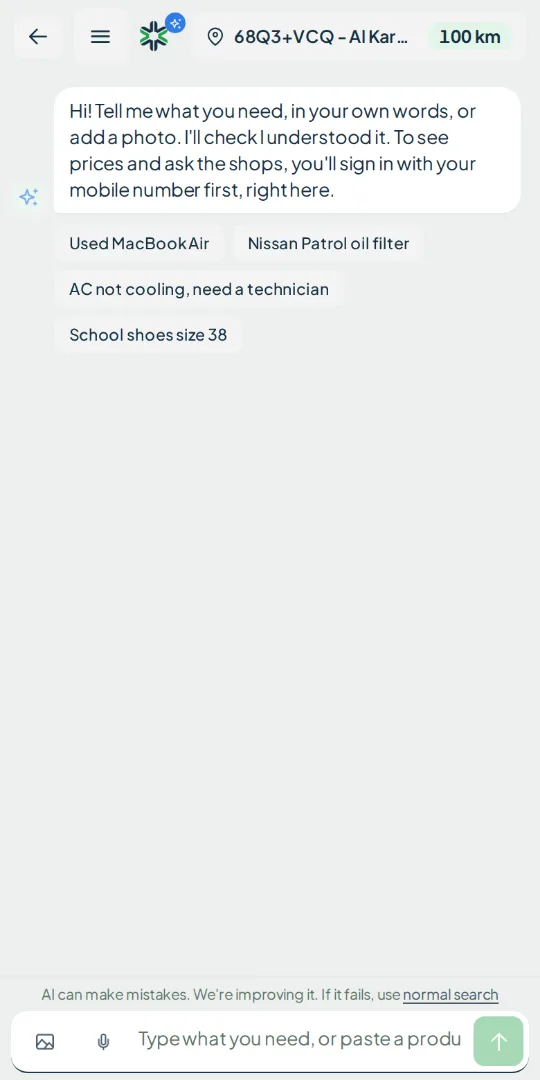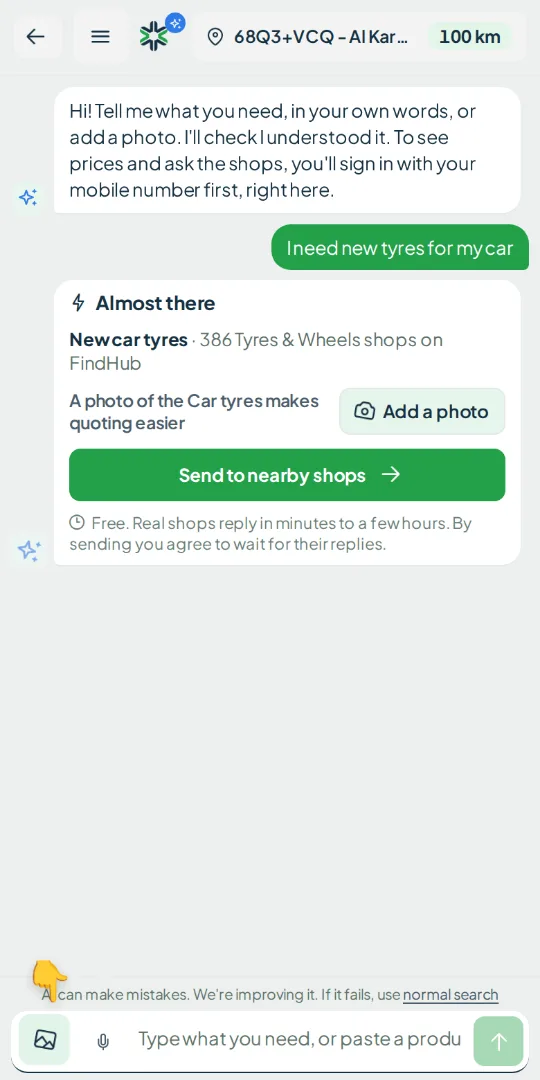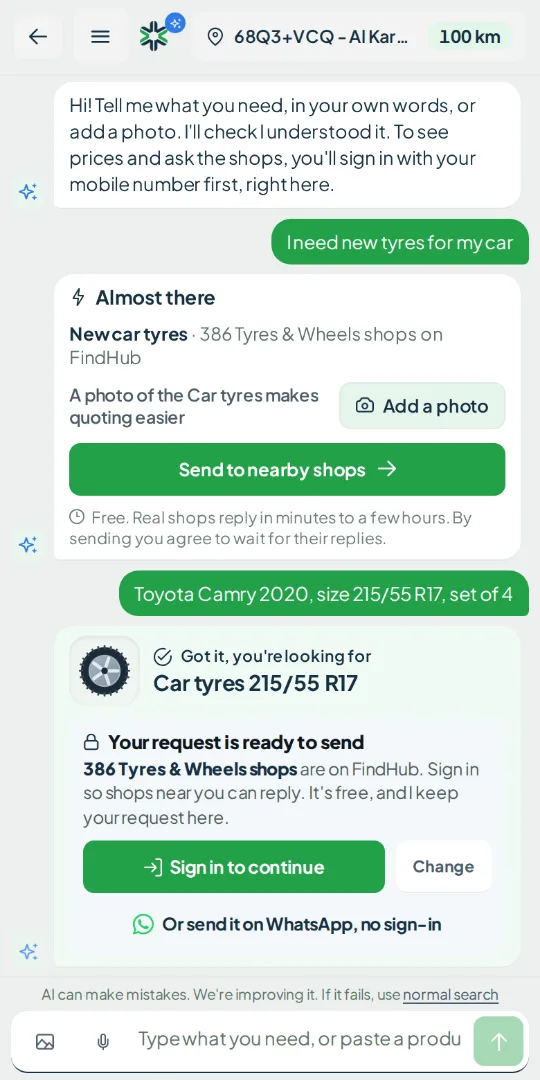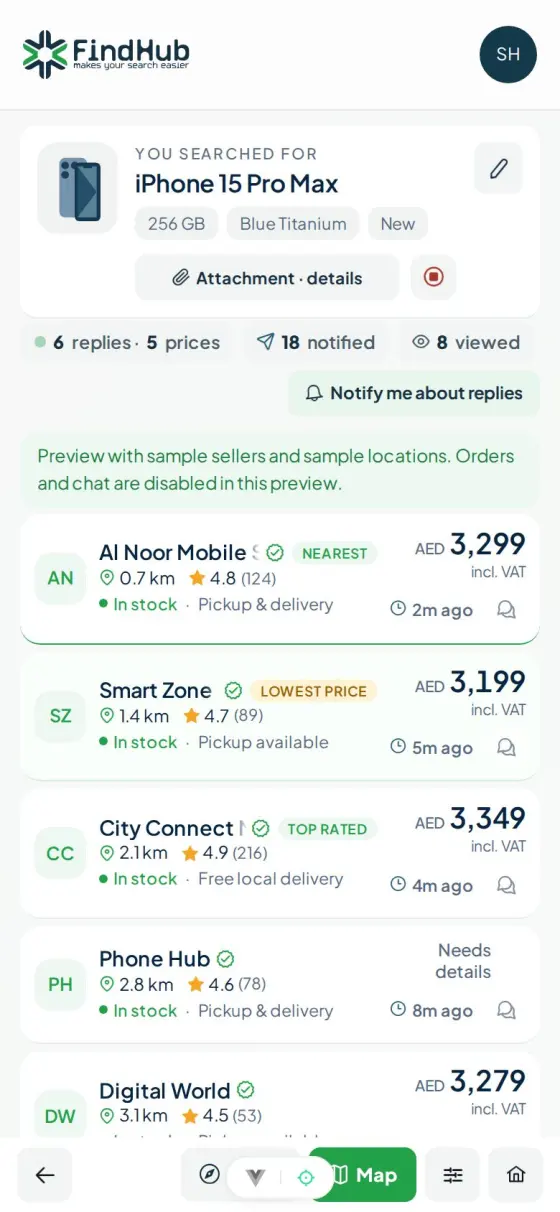
How it works
On FindHub you describe the capacity, interface and quantity, with your server or storage model. IT suppliers near you reply with matching drives or systems, price, condition and warranty.
- Describe the part and add a photo.
- Shops near you reply with price and availability.
- Compare and choose. You pay only the shop you pick.
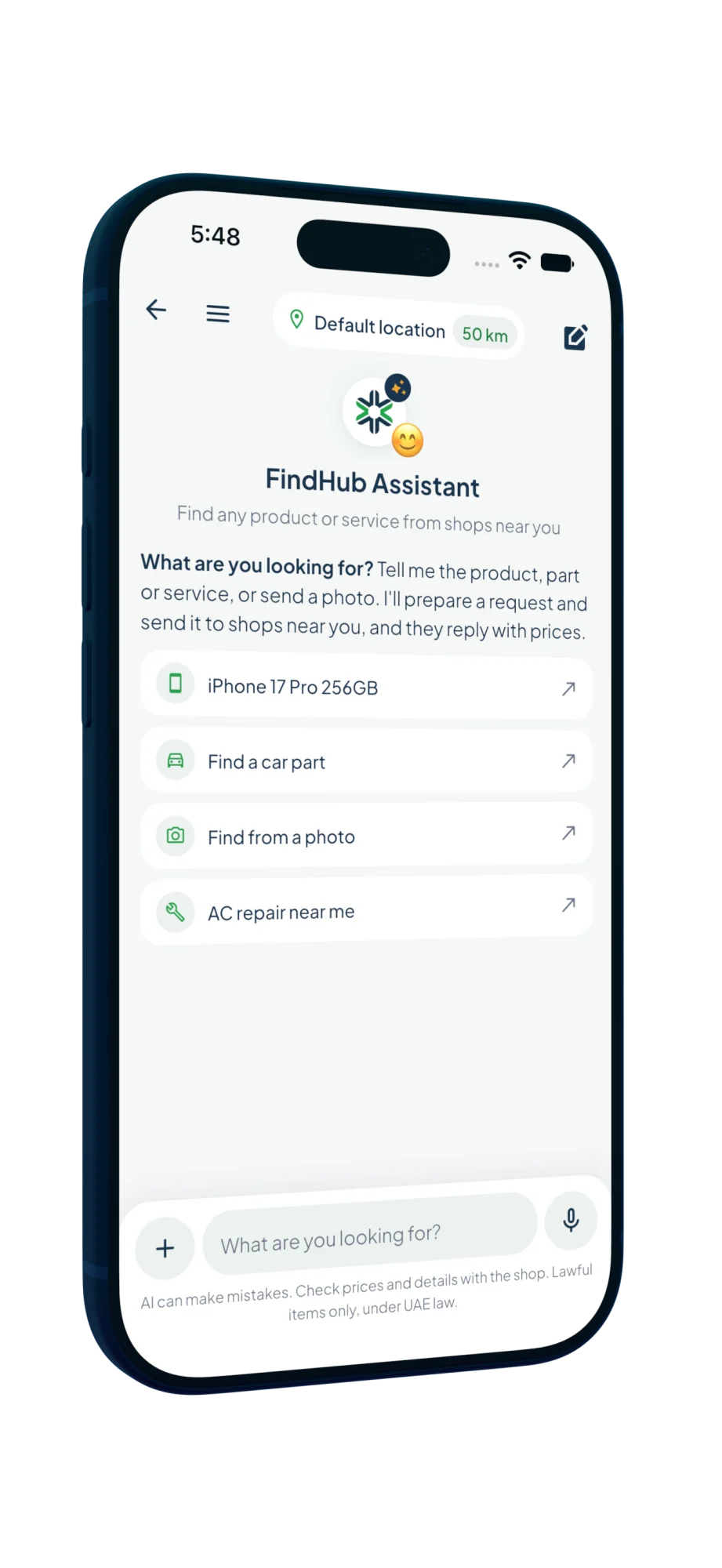
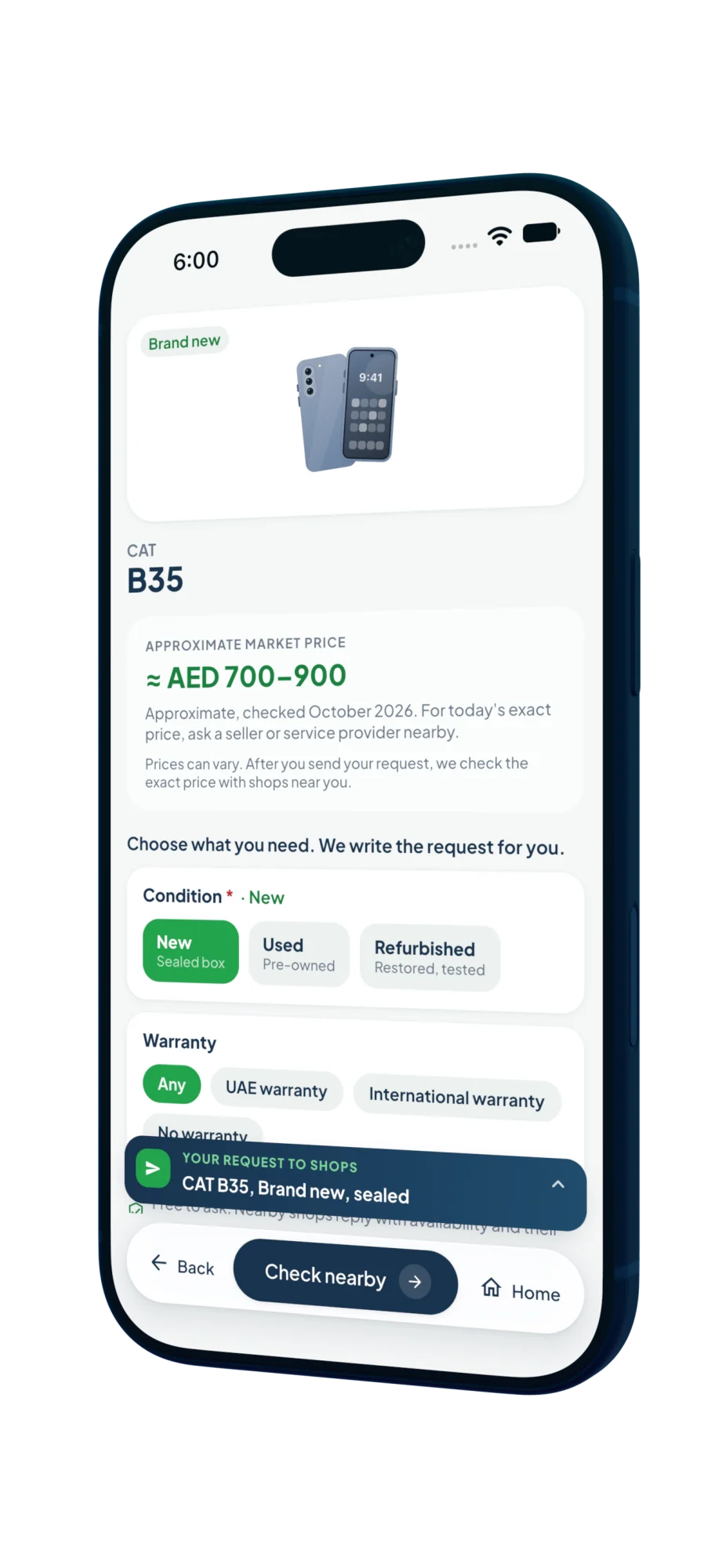
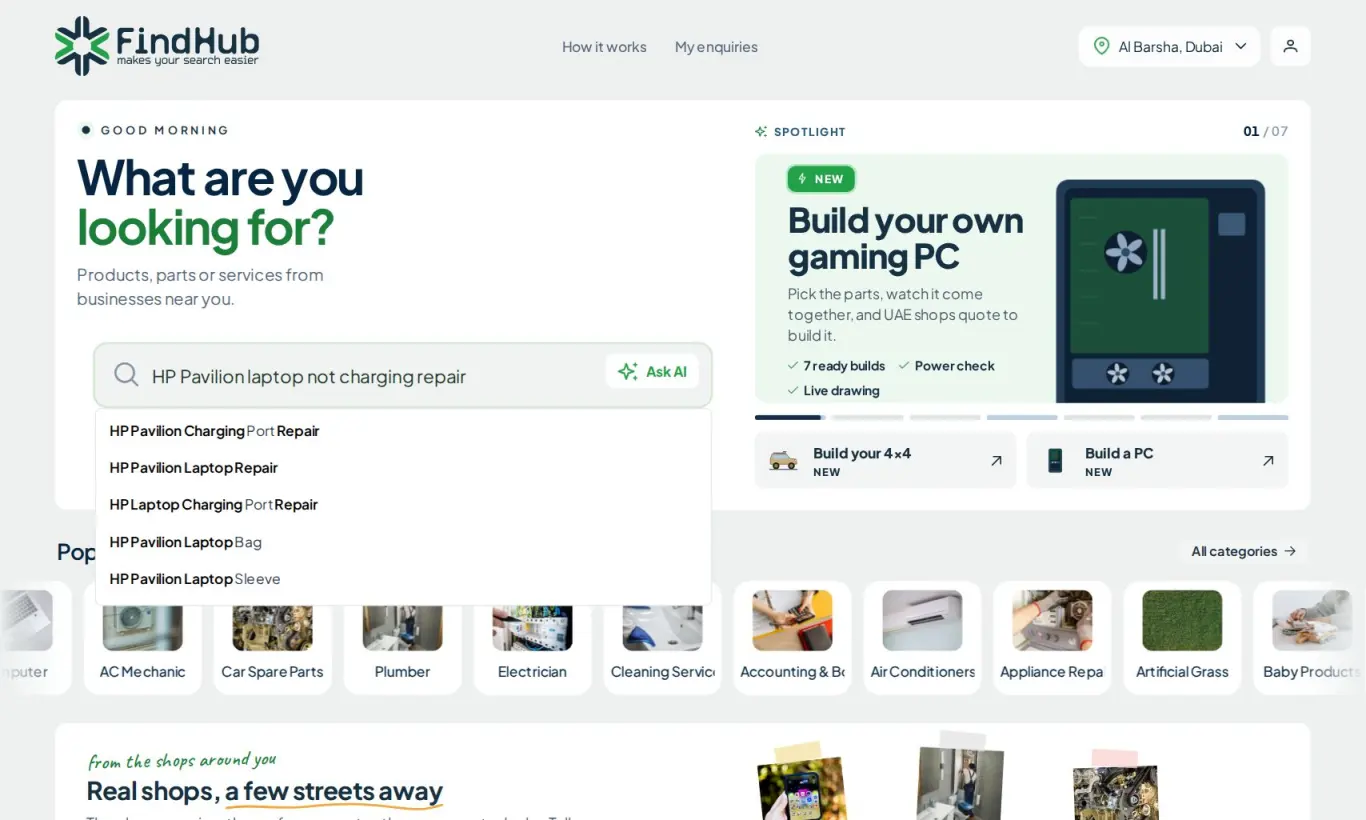
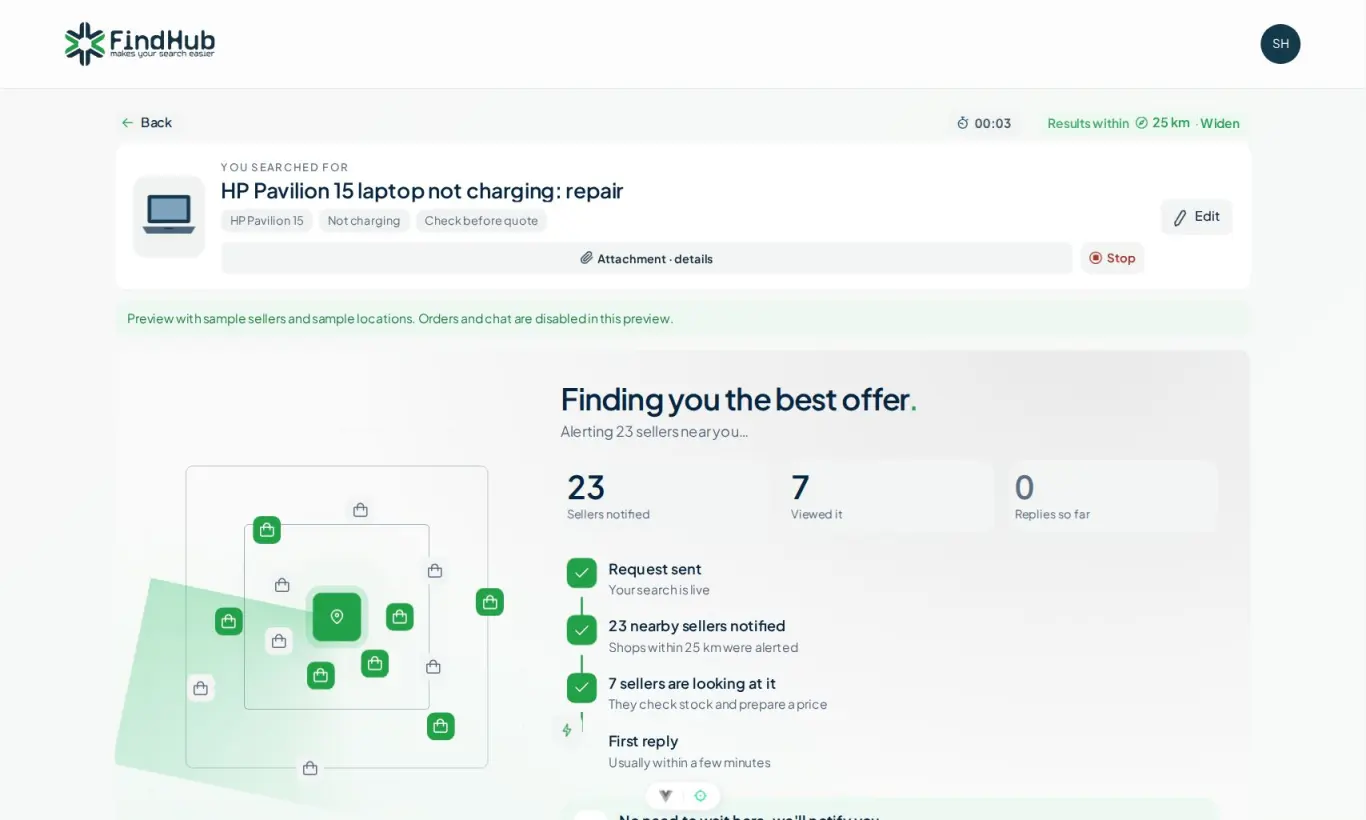
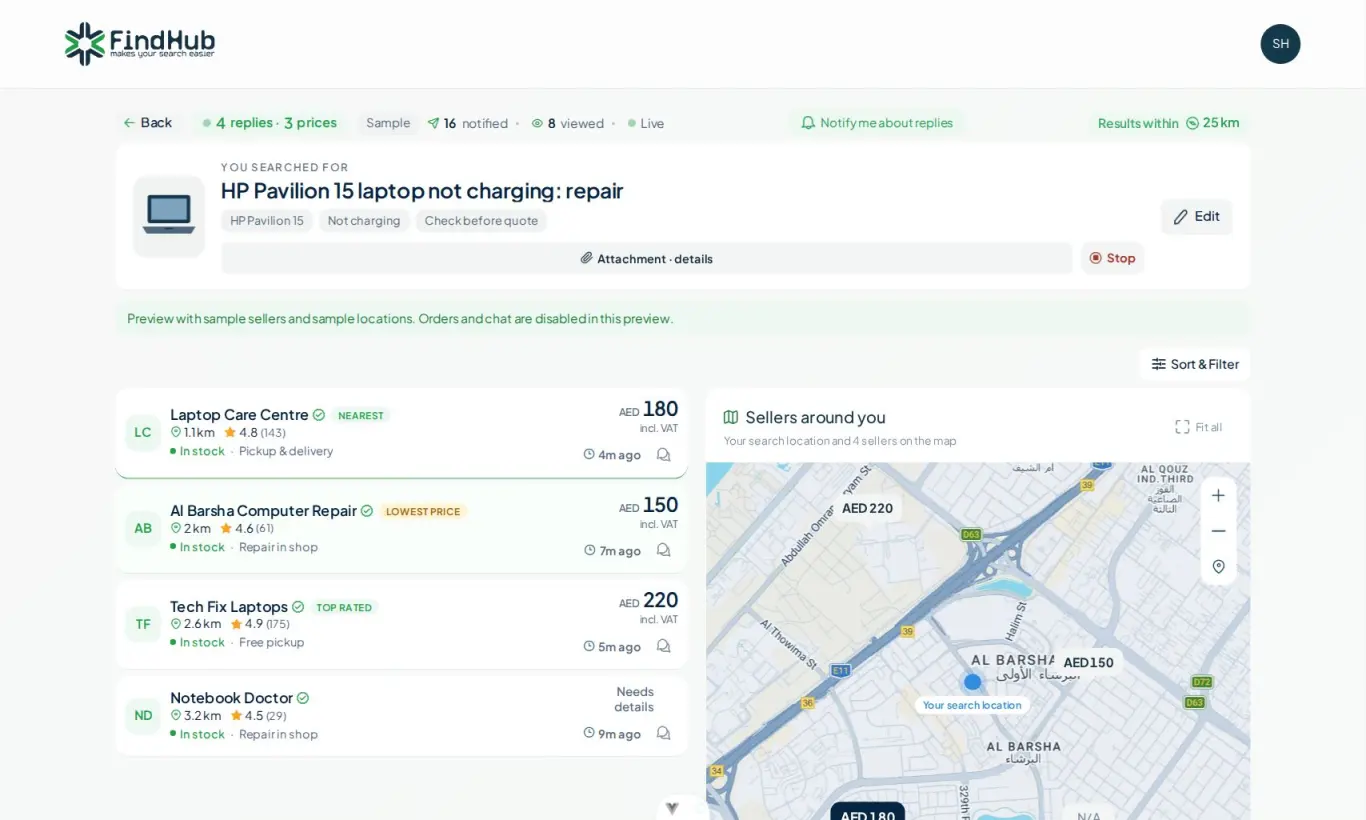
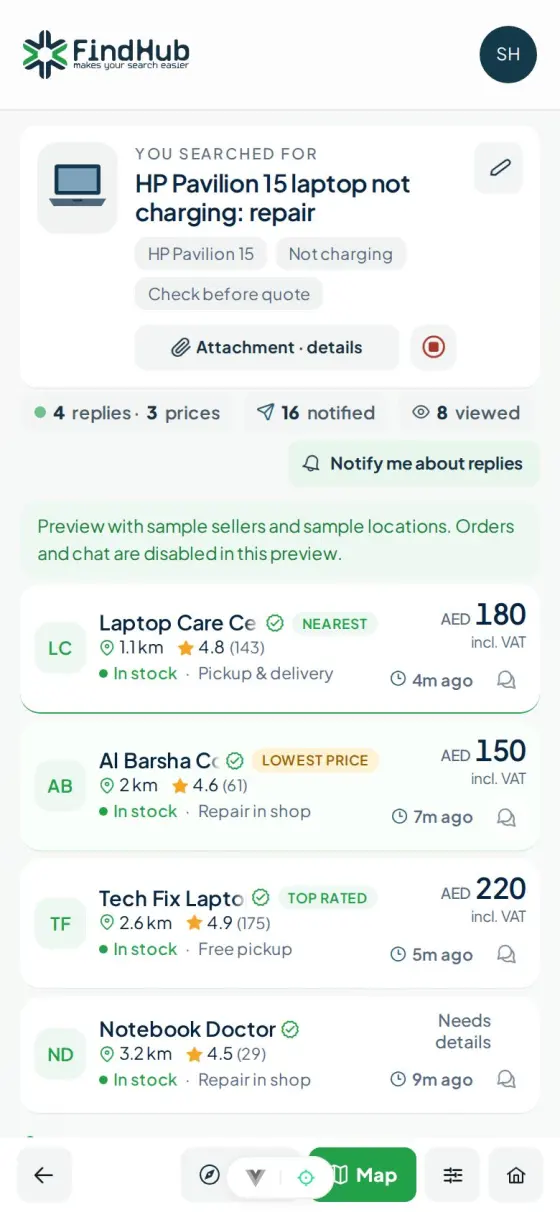
See the request steps: an illustrative example
Illustrative website screens from another request, with sample shops and prices. Use the guidance below for this category; the images are not offers for these items.
Popular storage requests
- Enterprise SSDs (SAS, SATA, U.2 NVMe)
- SAS 10K and 15K hard drives
- Nearline SAS 8TB to 24TB
- Drive caddies and trays
- SAN storage (Dell PowerVault, HPE MSA, NetApp)
- NAS (Synology, QNAP)
- LTO-8 and LTO-9 tape drives and cartridges
- Fibre Channel HBAs and switches
Popular searches on FindHub
Before you buy server storage
Where storage suppliers are
Storage and server suppliers are found in Dubai and Sharjah, and most deliver across the UAE. FindHub asks the suppliers registered near you.
Businesses on FindHub for this
Registered on FindHub: they receive requests for this and reply with a price.
- COComputer Care - Al Ain Centre, Computer PlazaDubai · ★ 4.2
- HYHyperX Technology LLC, Computer PlazaDubai · ★ 4.9
- BEBeefurb - Karama DubaiDubai · ★ 4.6
 Mind Tech ComputersAbu Dhabi · ★ 4.9
- CHCharge Electronics MobileDubai · ★ 4.9
- DADakat Computer Trading LLC - Gaming PC UAEDubai · ★ 4.9
 Usbs UAE - Al Ghurair CentreDubai · ★ 5
 Tera Speed ComputerAbu Dhabi · ★ 4.9
 Mobifix-DXBDubai · ★ 4.9
- AZAzizi TechnologiesDubai · ★ 4.9
- ALAl Ershad Computer - Al Ain Center, Computer PlazaDubai · ★ 4.8
 Alborz Computers - MacBook, Laptop, PlayStation, iPhone &…Abu Dhabi · ★ 4.9
And 186 more registered businesses. See the full list
Questions
Where can I buy SAS drives in the UAE?
IT suppliers and server resellers stock them. Write the capacity, speed and server model on FindHub and they reply with price.
Can I put a normal SSD in a server?
Sometimes, but enterprise SSDs are built for constant load and have power-loss protection. Ask the supplier what suits your use.
Do suppliers sell complete SAN or NAS systems?
Yes. Describe the capacity and number of users, and they reply with options.
Is asking free?
Yes. You pay only the supplier you choose.
Related guides
Need it today?
Describe the part once. Shops near you reply.