The answer
Register free on FindHub as a service provider and choose the jobs you do. When someone nearby asks for that job, for example an AC not cooling, a washing machine repair, deep cleaning, a scissor lift rental or VAT registration, you get the request with the details and photos and reply with your price or visit time.
Service jobs are urgent and local, so the provider who answers first with a clear price and time usually gets the job. FindHub sends each job only to providers that do that kind of work, near the customer, and you agree the details with the customer in the FindHub chat. Companies that serve the whole UAE, such as tax consultants, can receive requests from every emirate.
Step by step
- Register at business.findhub.app and choose your services (repair, installation, maintenance, cleaning, rental, consulting).
- Set your service area and working hours.
- Get job requests on the FindHub Business app.
- Reply with a price, an estimate range or a visit time.
- Agree the details in the chat and do the job.
Tips
- Give a range when a final price needs an inspection.
- Say whether the visit charge is included.
- Ask the customer for a photo or video of the problem.
See it in action: a real example
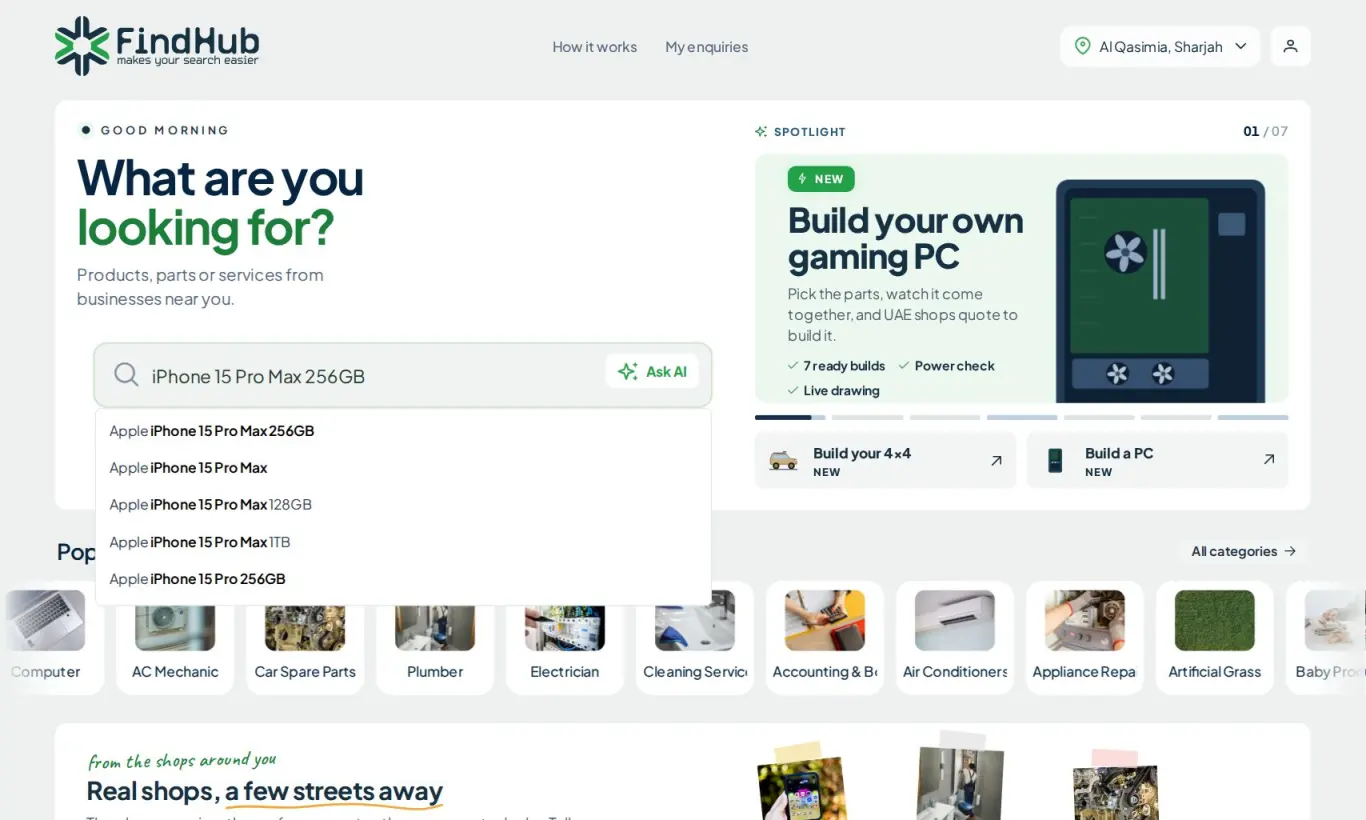
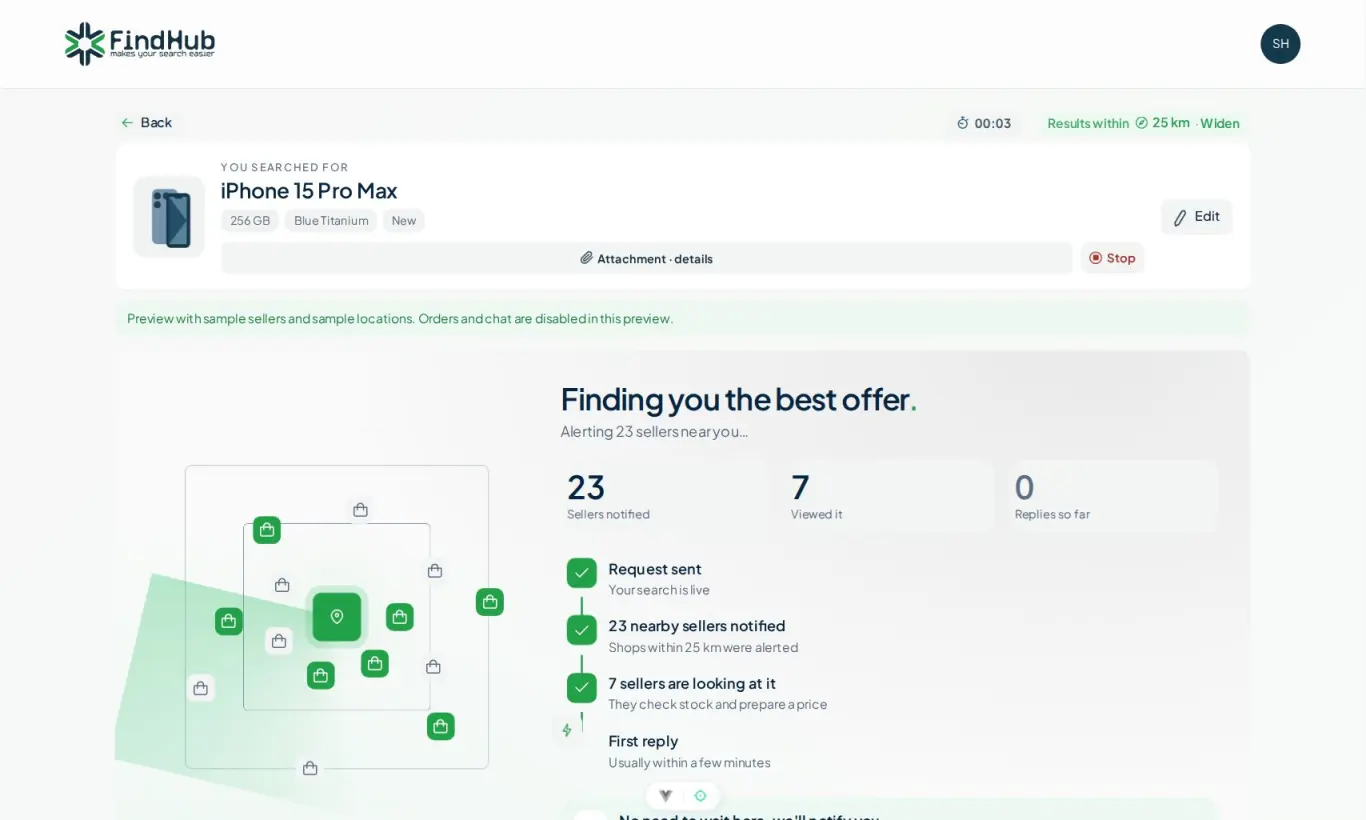
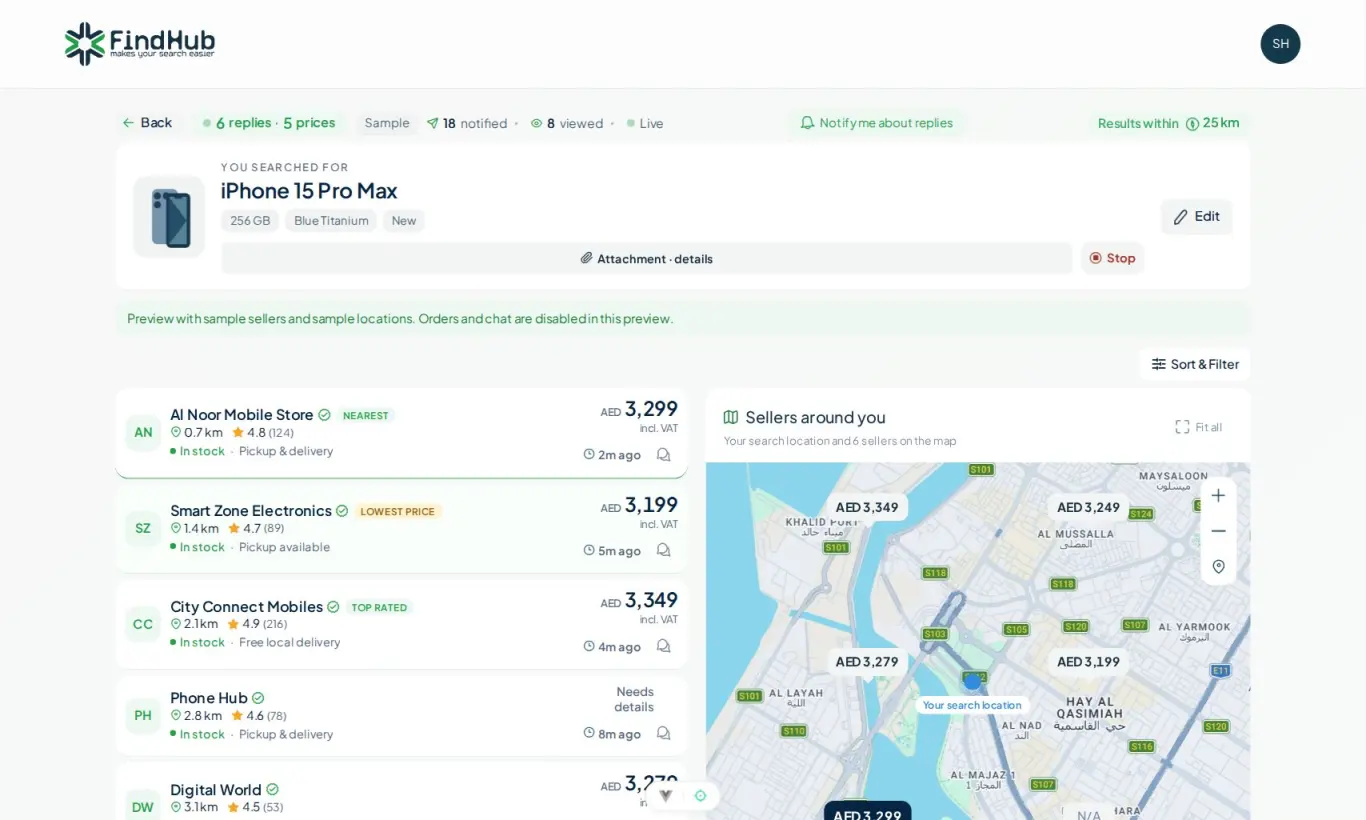
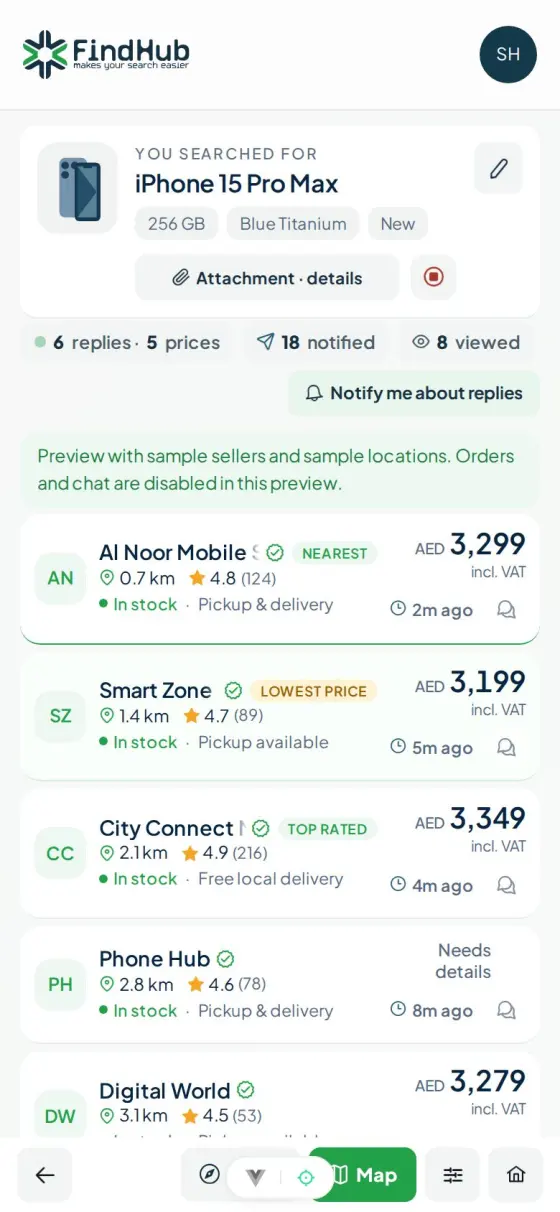
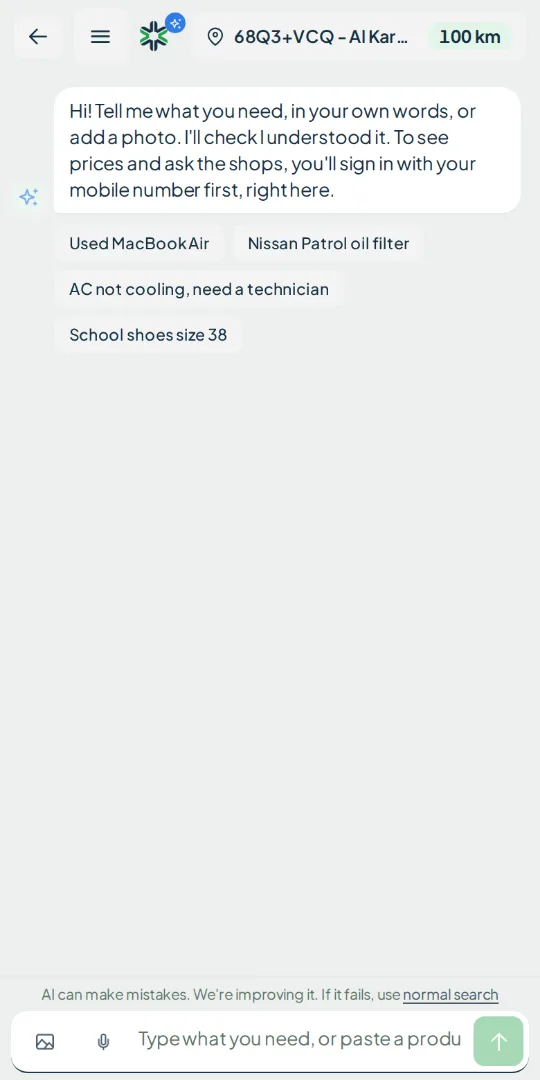
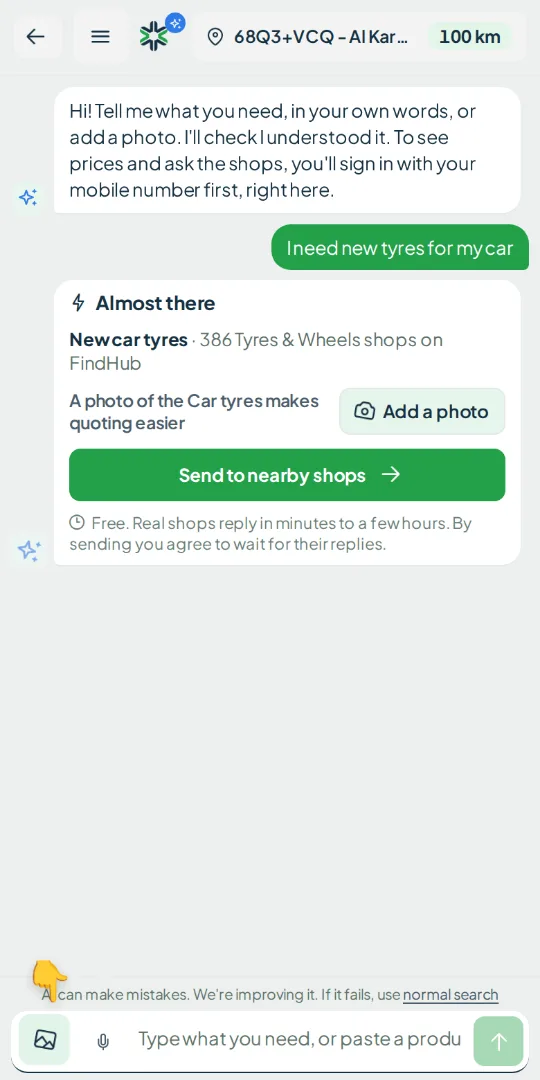
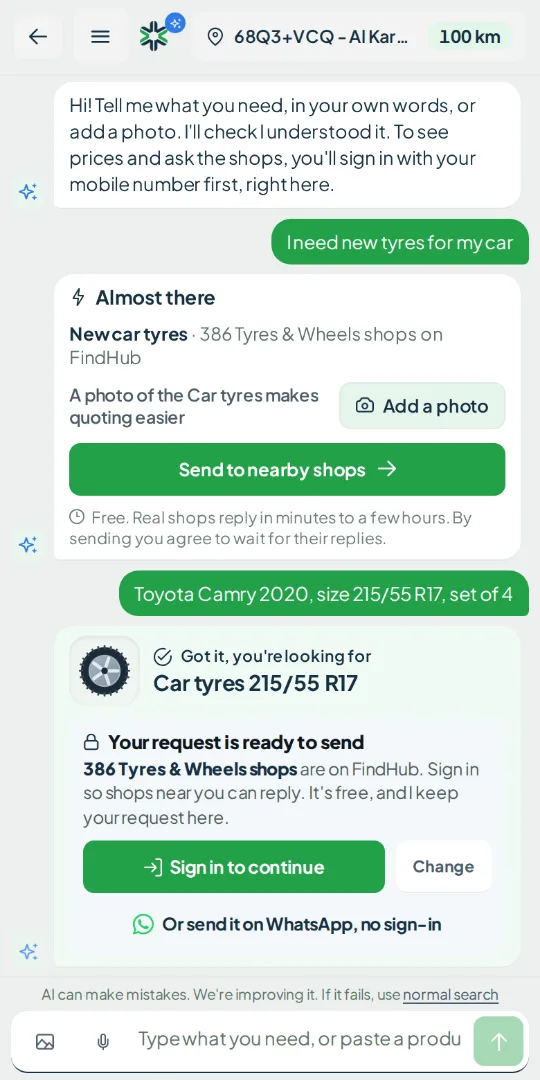
Screens from the findhub.app website with sample shop names and sample prices. Real replies depend on your area and the time of day.