The answer
Be where customers ask, answer them fast, and make it easy to buy. In the UAE many customers now ask an app or an AI assistant which shop has what they need. Register free on FindHub so their requests reach you, reply with a clear price, keep a Google Business profile up to date, and turn every sale into a review and a repeat customer.
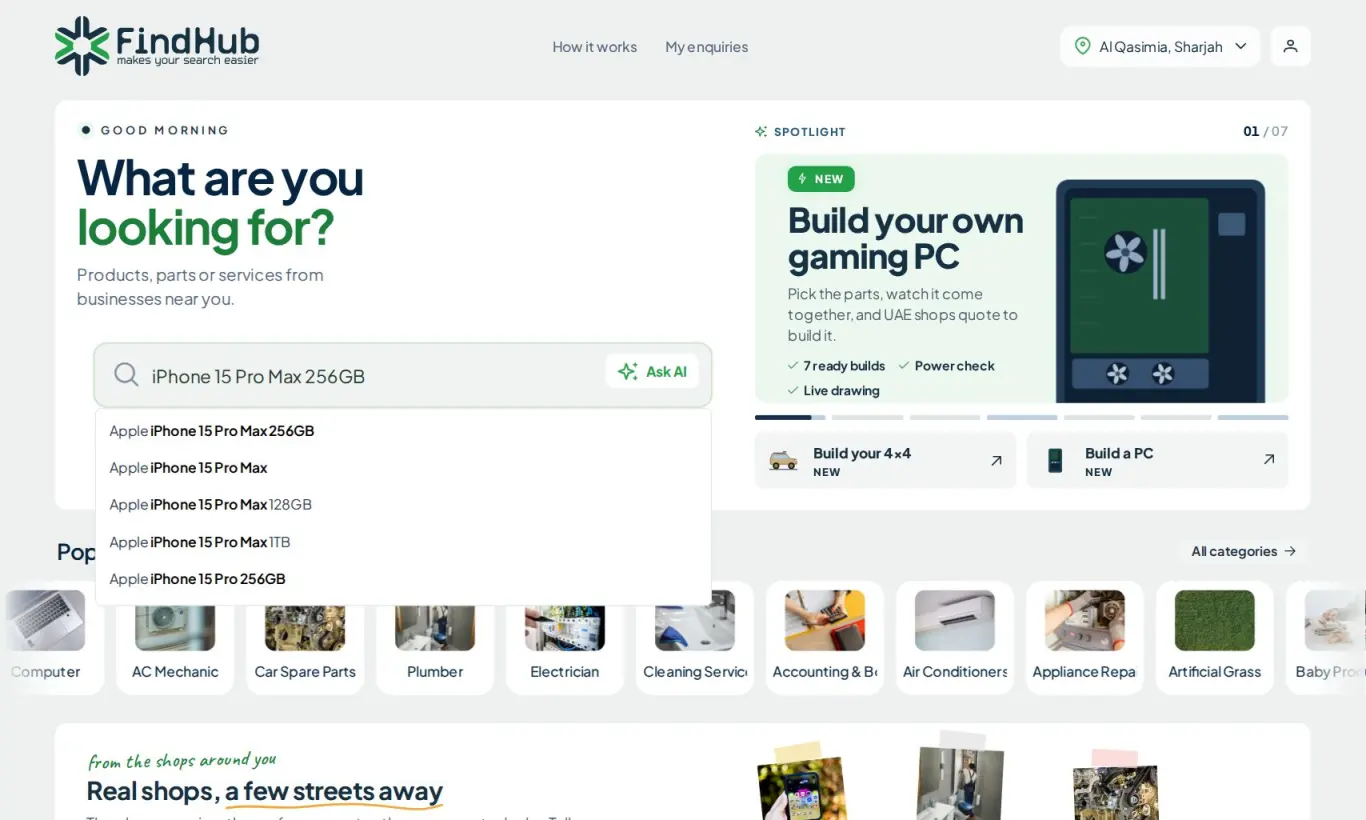
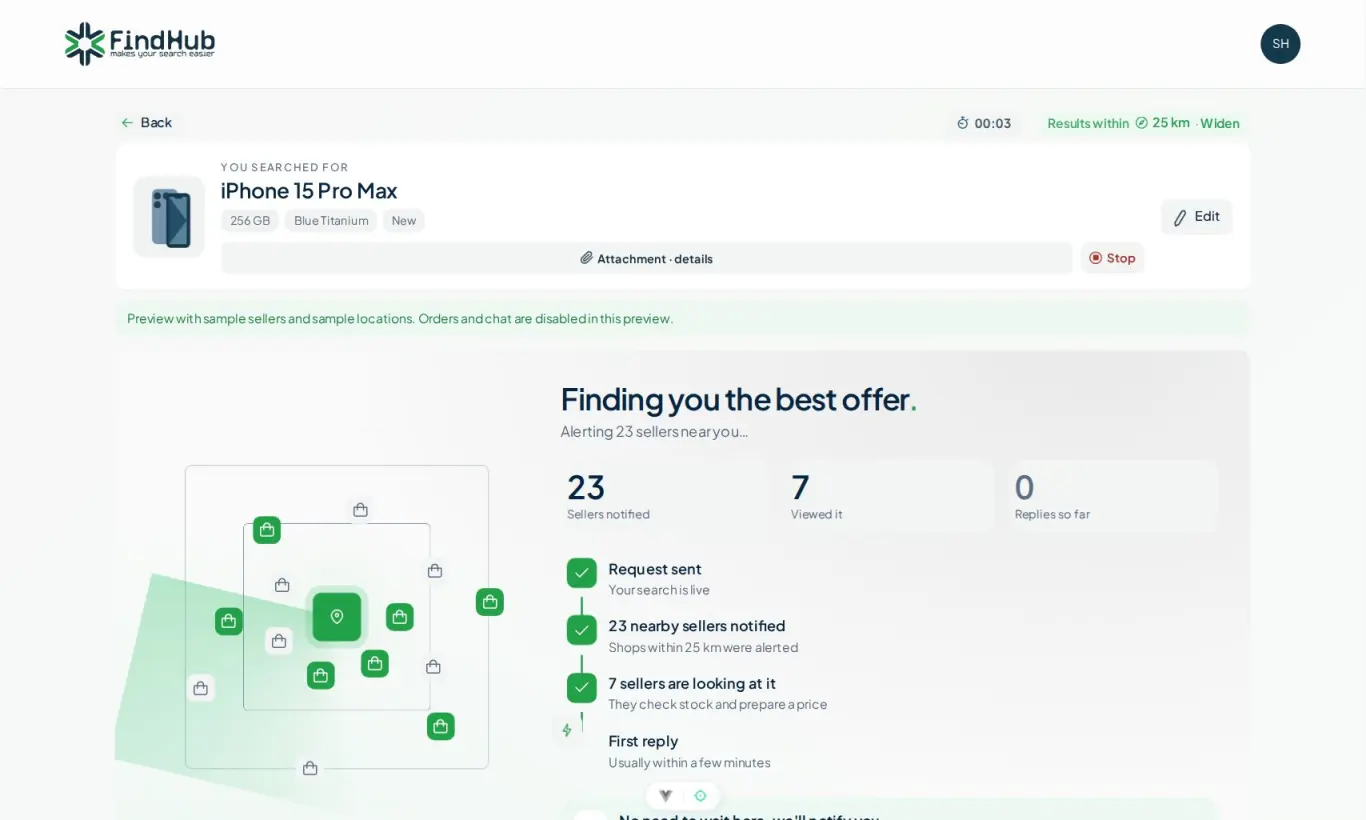
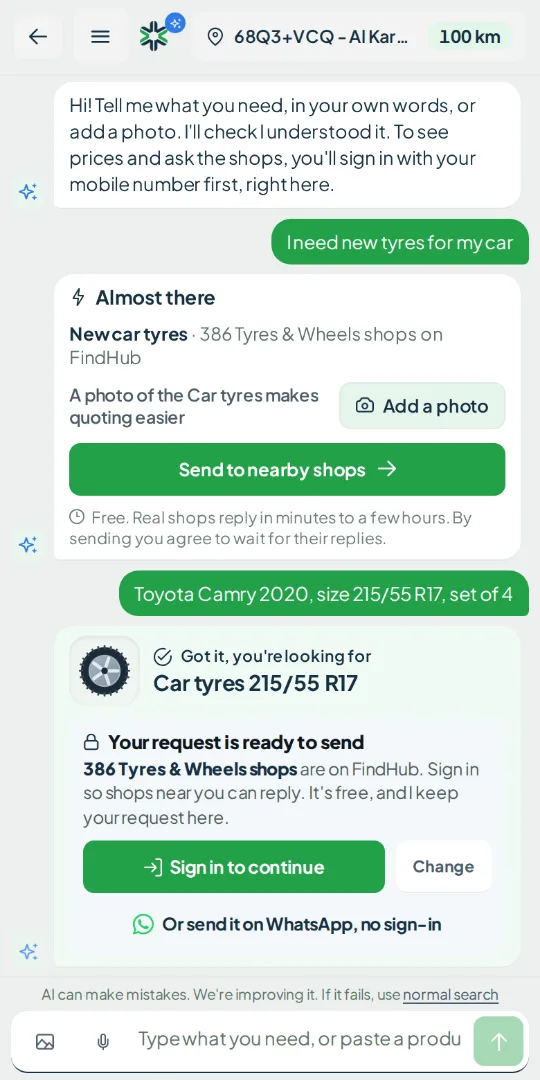
Growth for a local business usually comes from three things: more people who need what you sell finding you, more of those enquiries turning into sales, and customers coming back. FindHub helps with the first two: requests from nearby customers arrive on your phone with the details already written, and you can reply in seconds with a price, photos and delivery. Your FindHub profile page and the requests you answer also help customers find you on Google and in AI answers.
Step by step
- List your business free on FindHub and on Google Business Profile, with the same name, phone and location.
- Choose exactly what you sell and the services you do, so the right requests reach you.
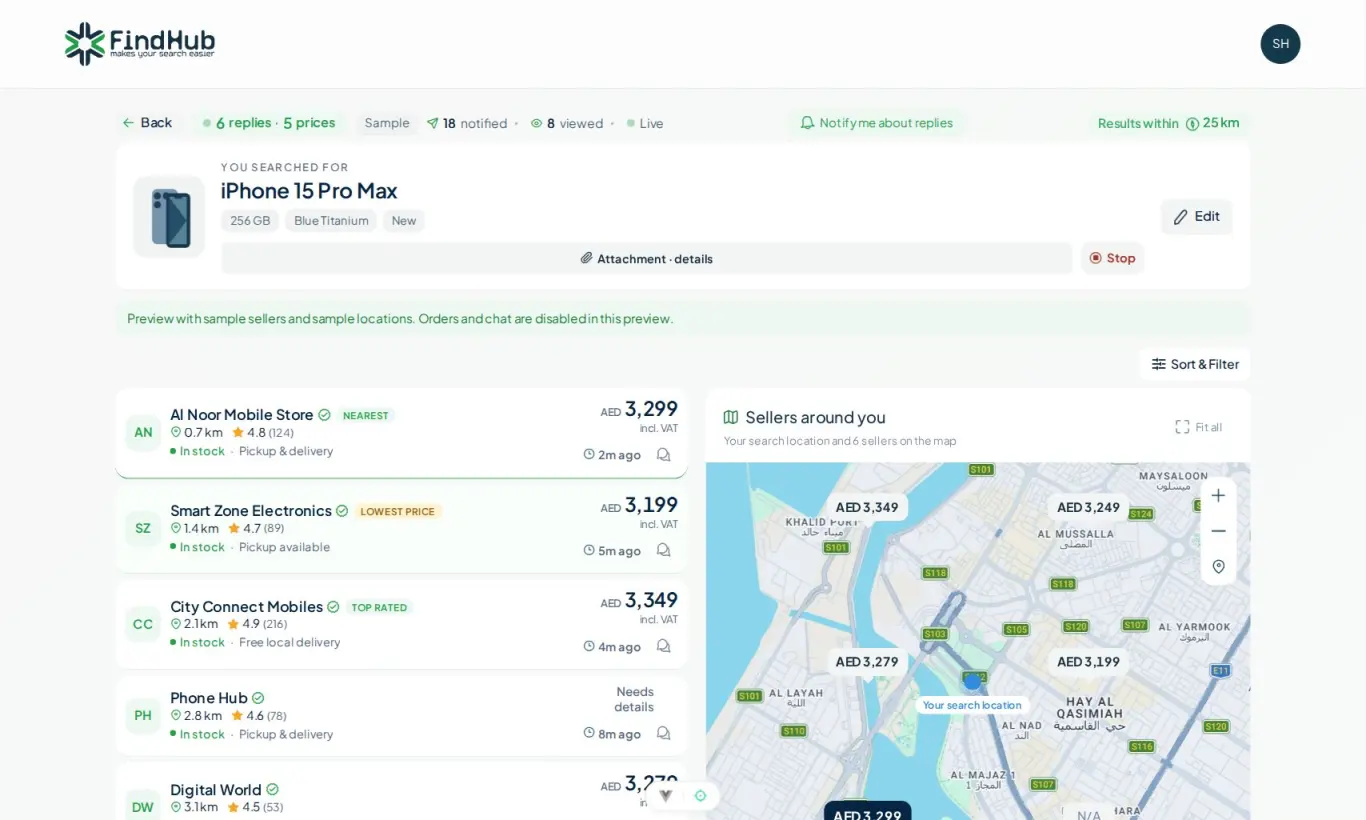
- Answer every request quickly with price, stock, warranty and delivery.
- Offer pickup, delivery or a home visit where you can.
- Ask happy customers for a review and keep their number to tell them about new stock.
Tips
- Speed and a clear price win more often than the lowest price.
- Add photos of real stock to your replies.
- Keep opening hours correct, so requests reach you while you are open.
See it in action: a real example
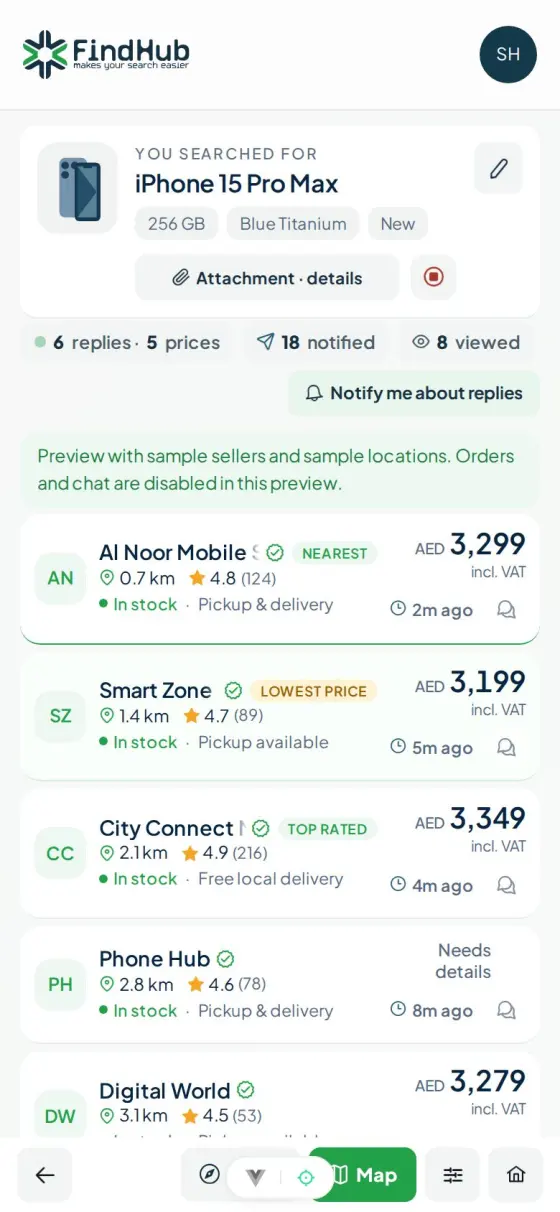
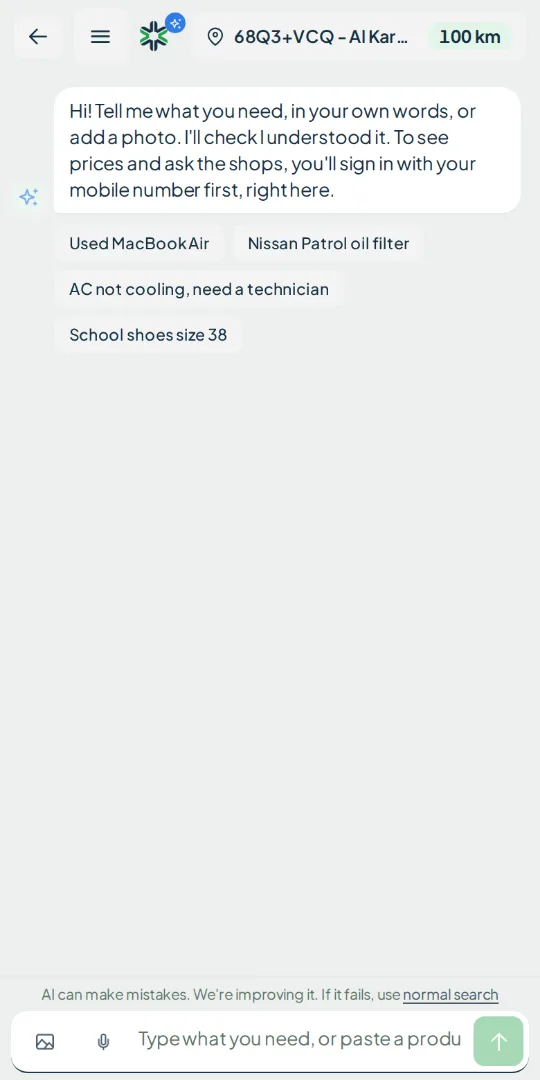
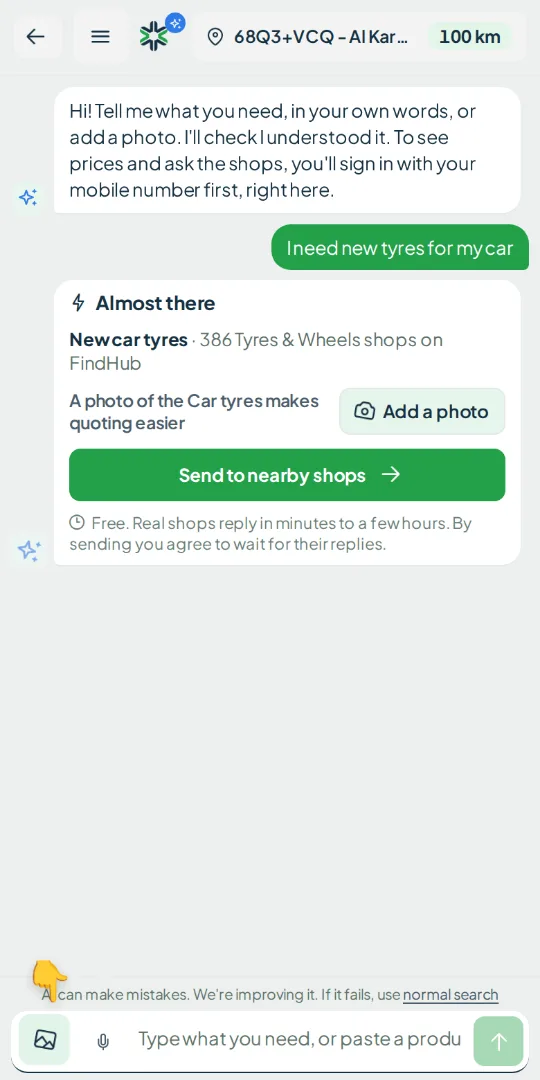
Screens from the findhub.app website with sample shop names and sample prices. Real replies depend on your area and the time of day.