The answer
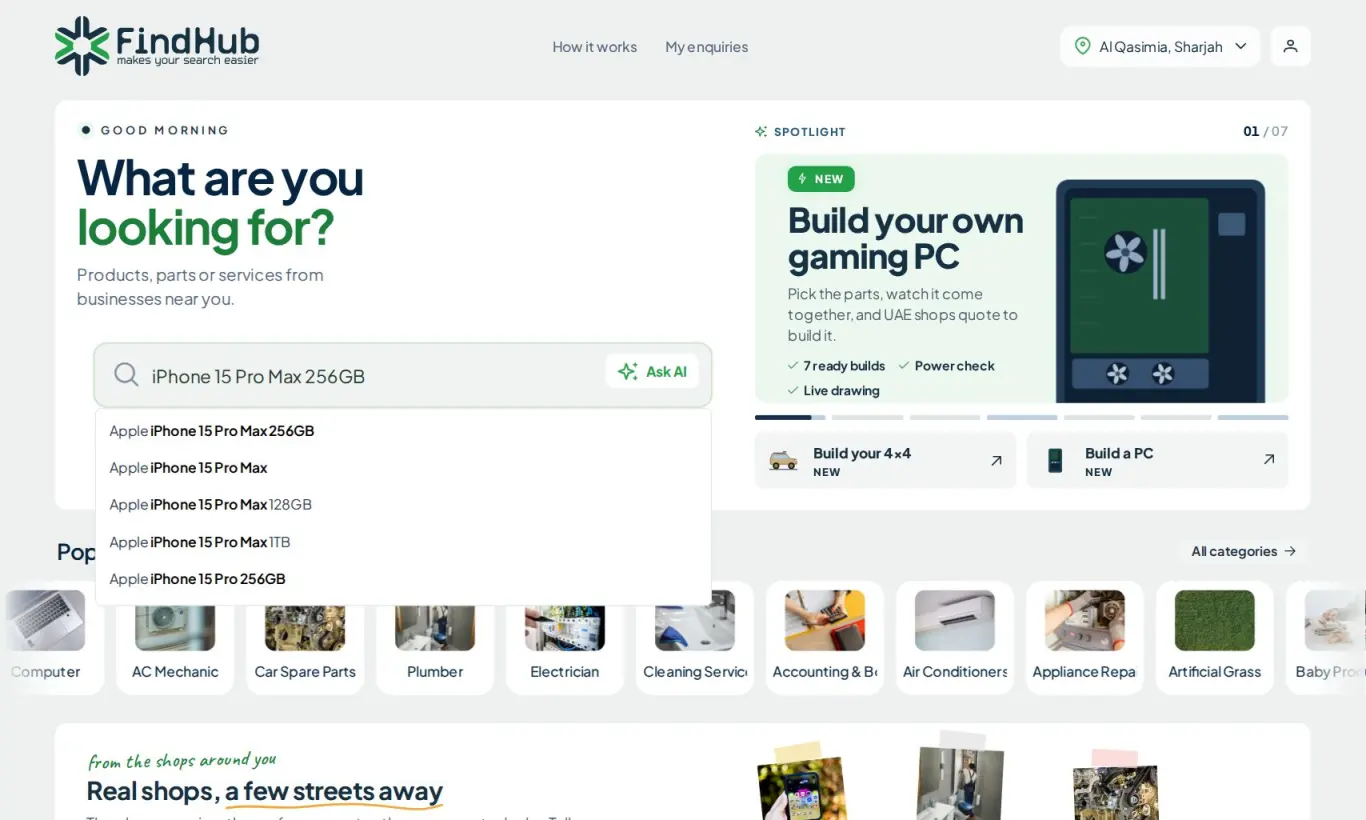
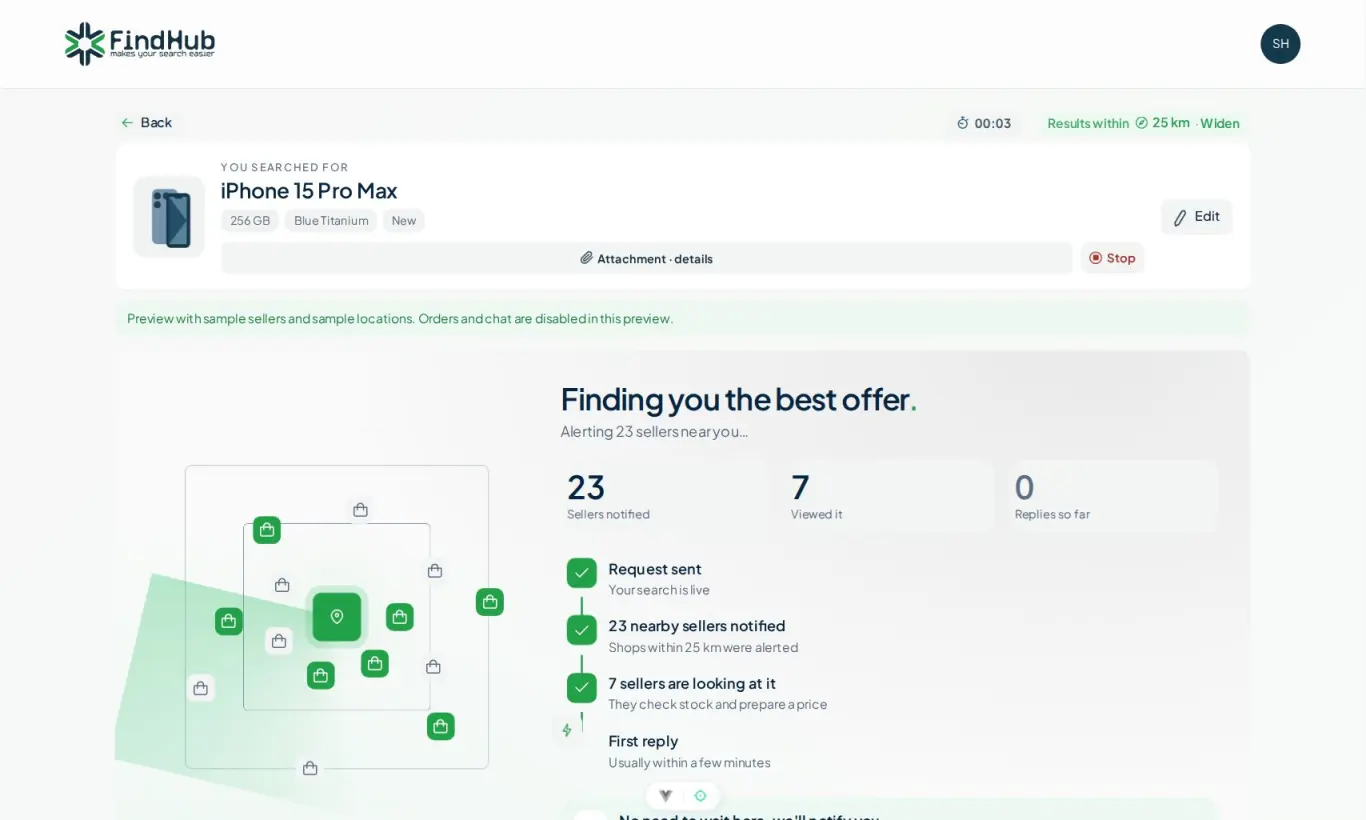
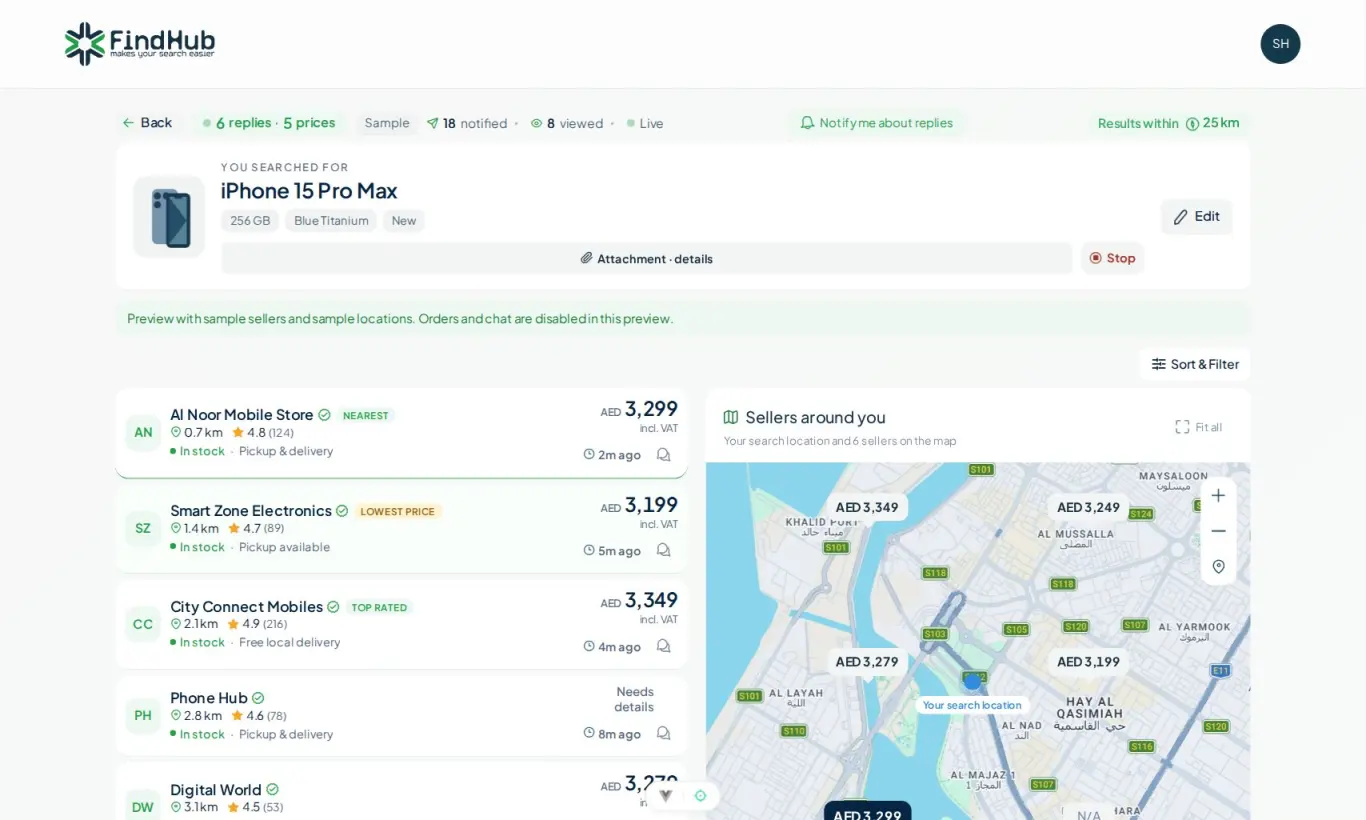
Reach customers at the moment they are looking. On FindHub, people in the UAE write what they need and every matching shop nearby gets the request on its phone. Shops that reply quickly with a clear price, stock and delivery win the order. Register free at business.findhub.app, choose what you sell, and turn on notifications.
A customer who sends a request on FindHub already knows what they want and wants it soon, so each request is a real chance of an order, not a cold lead. You can reply from the FindHub Business app or business.findhub.app, send photos, chat, offer delivery or pickup, add staff and branches, and see which requests you won. Customers come from the FindHub website and apps, WhatsApp, Google and AI assistants.
Step by step
- Register your shop free at business.findhub.app.
- Pick your categories: sell, spare parts, accessories or repair in each one, and new or used.
- Set your location, opening hours and delivery area.
- Turn on notifications in the FindHub Business app, or use the web app on a computer.
- Reply with price, stock and delivery; chat and close the order.
Tips
- Reply within minutes during opening hours.
- If you do not have the item, a quick "not available" keeps your profile tidy.
- Add staff so someone always answers.
See it in action: a real example
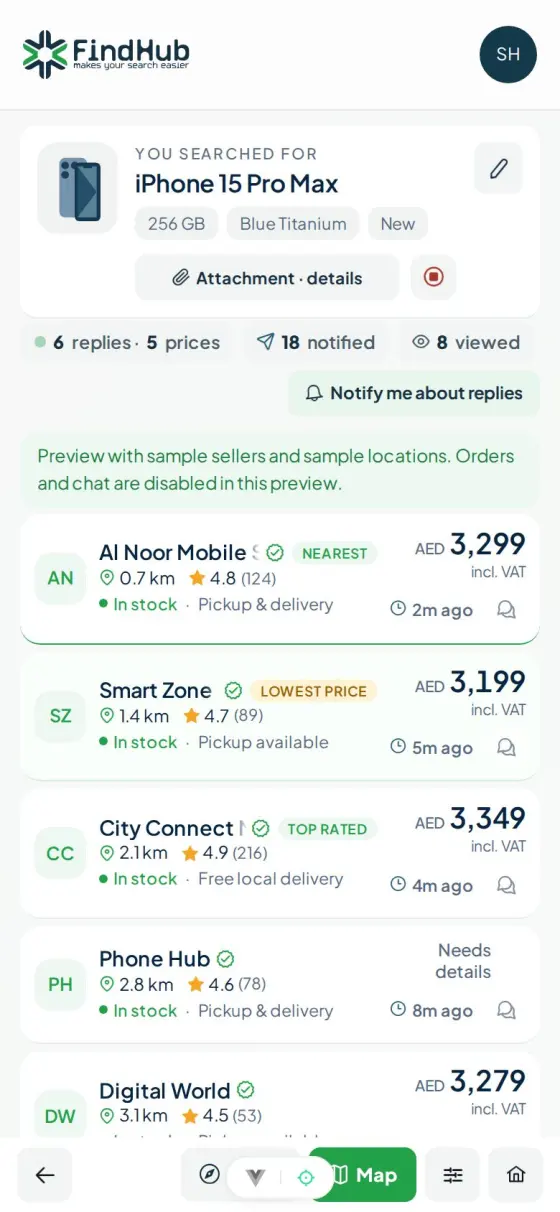
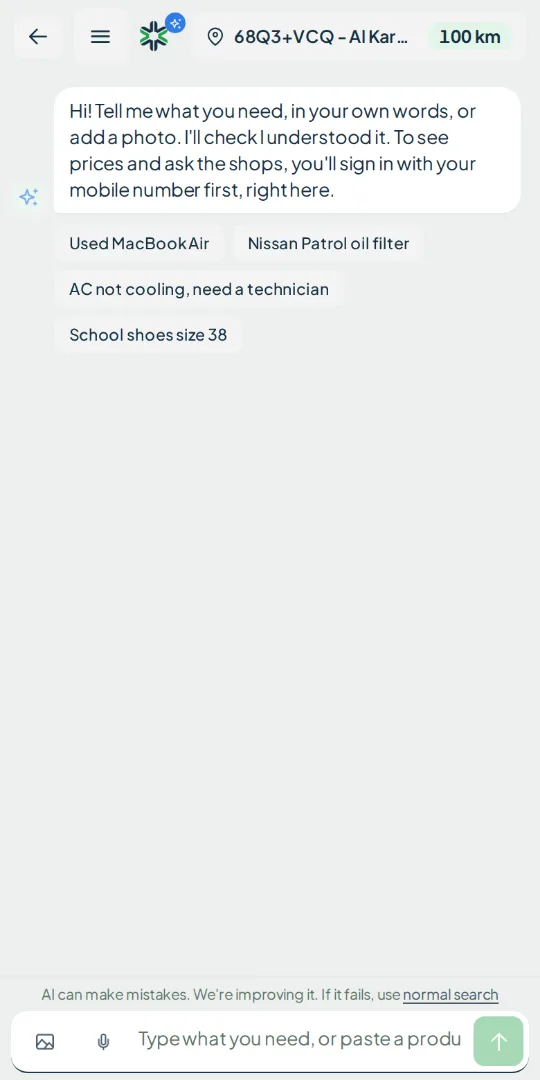
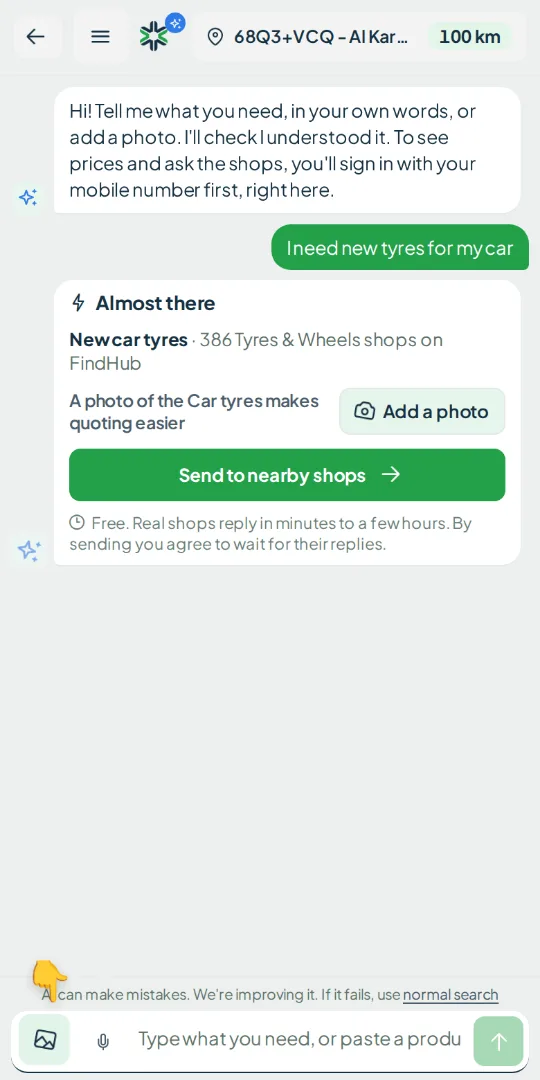
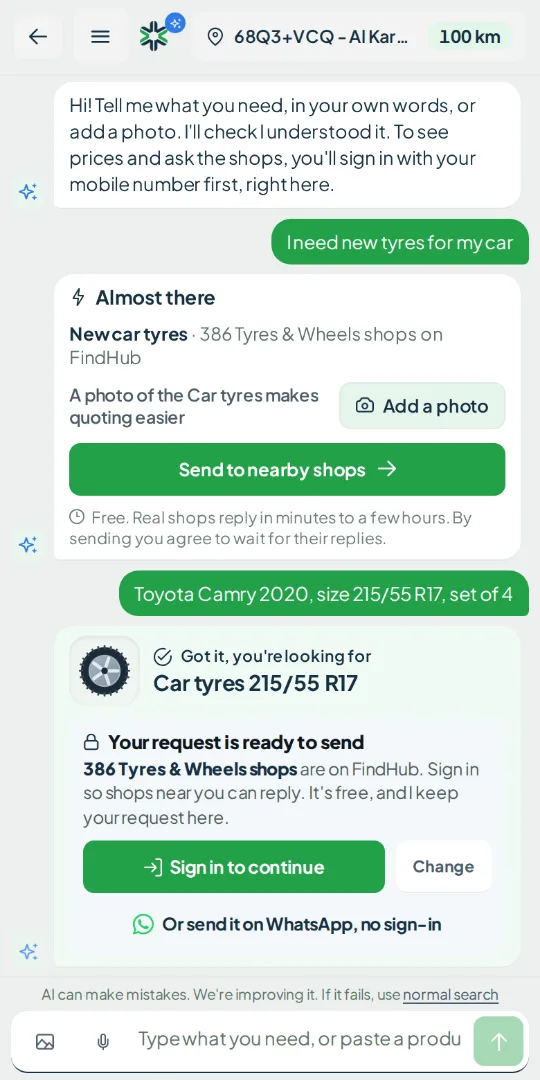
Screens from the findhub.app website with sample shop names and sample prices. Real replies depend on your area and the time of day.