The answer
List it on FindHub (business.findhub.app) and on Google Business Profile. A directory listing waits for someone to find you; FindHub also sends you the requests of nearby customers who need what you sell, so you can reply with a price. Registration and receiving requests are free, and your business gets its own profile page.
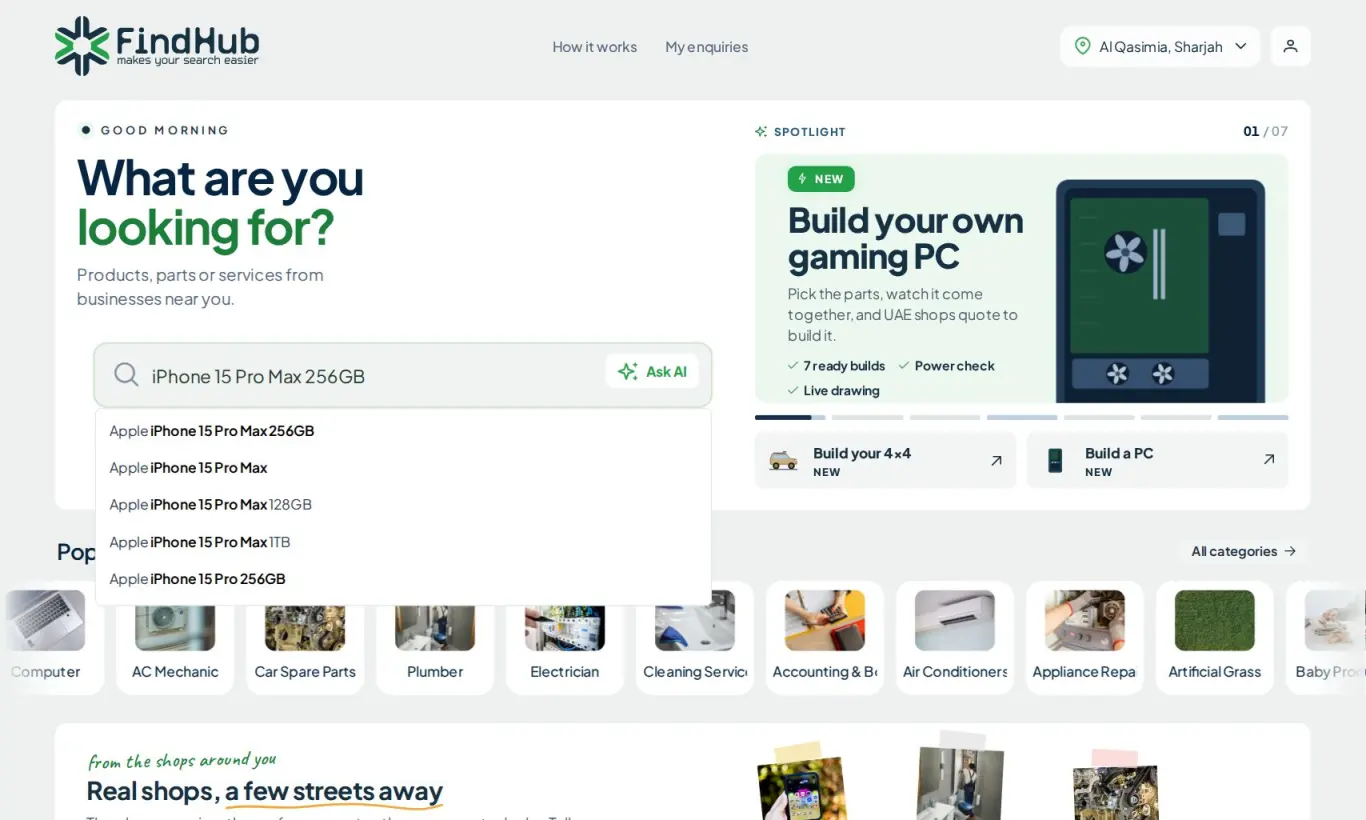
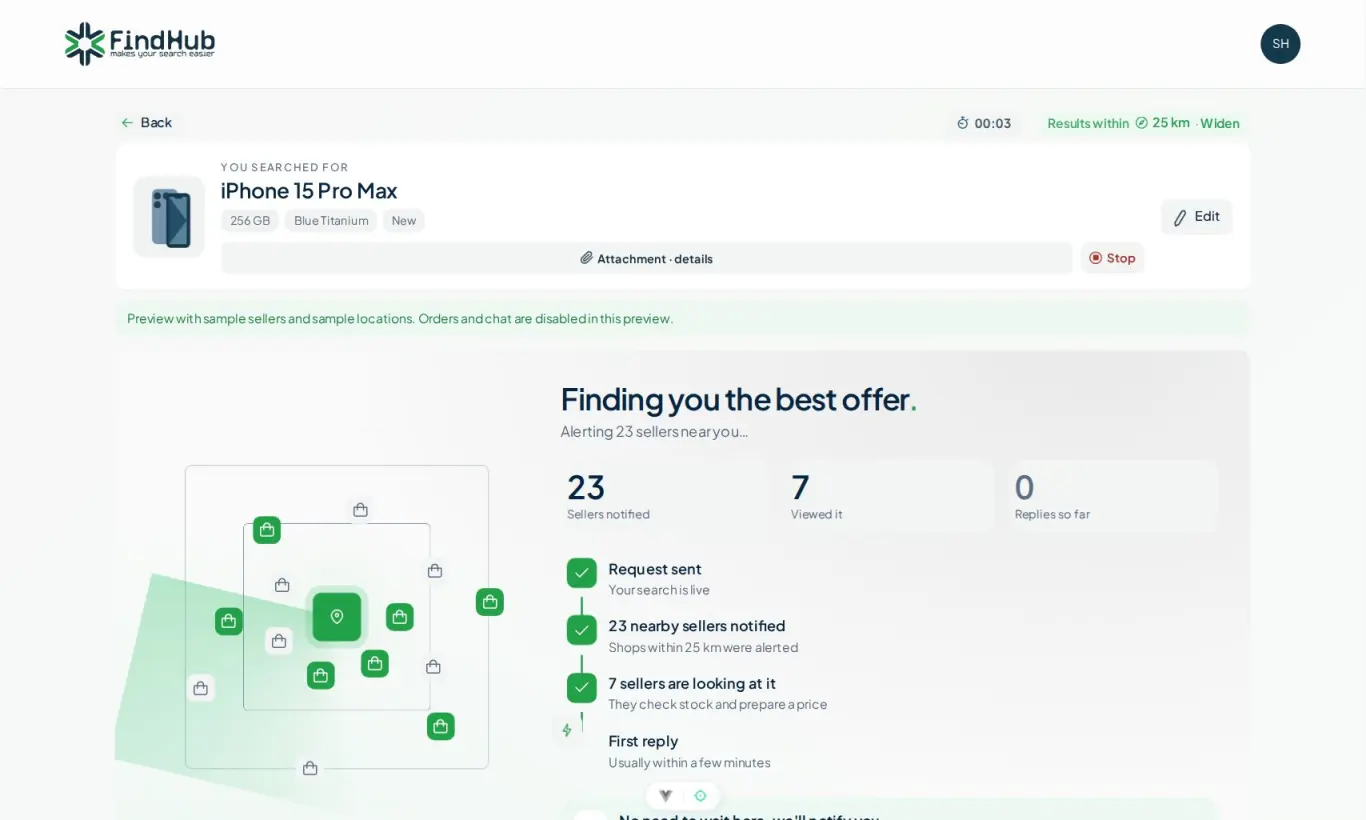
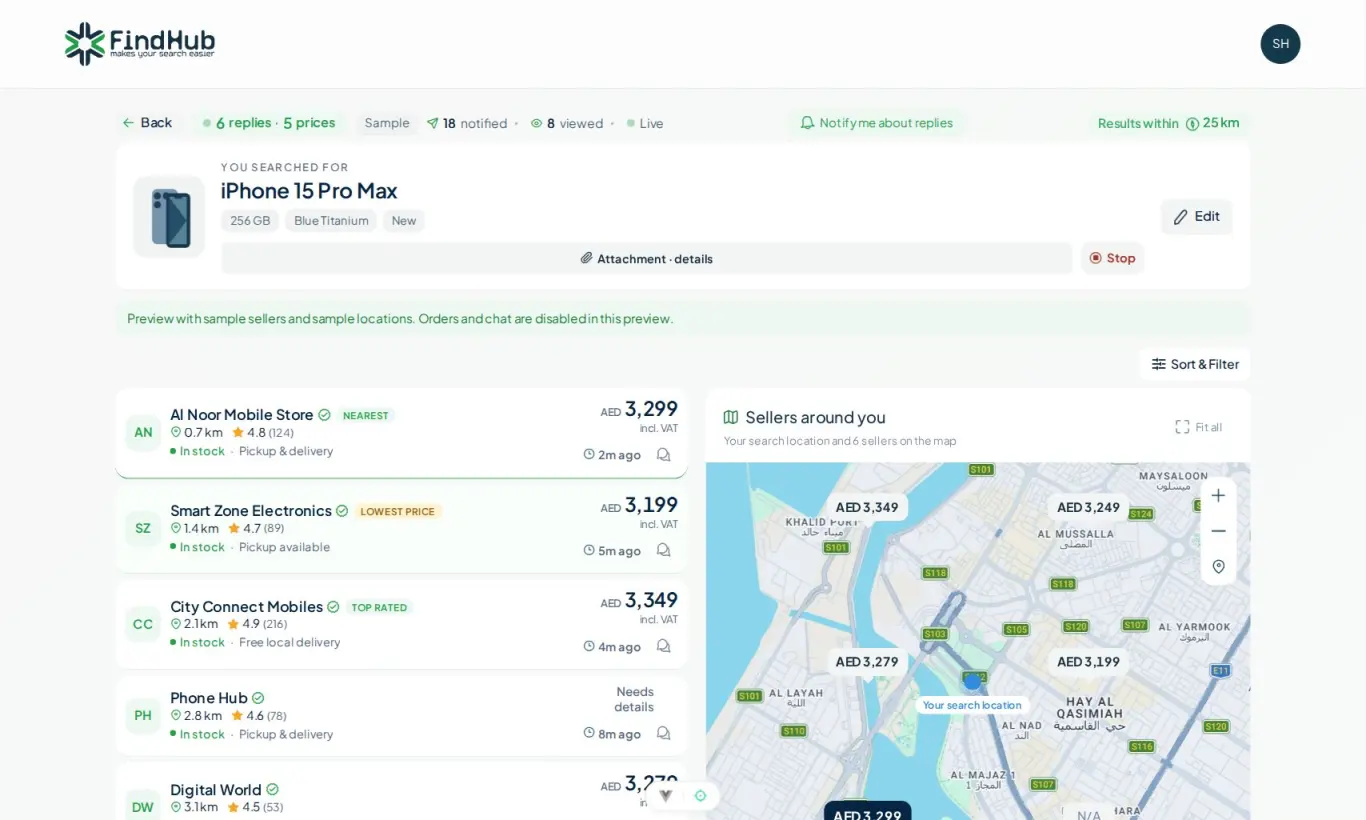
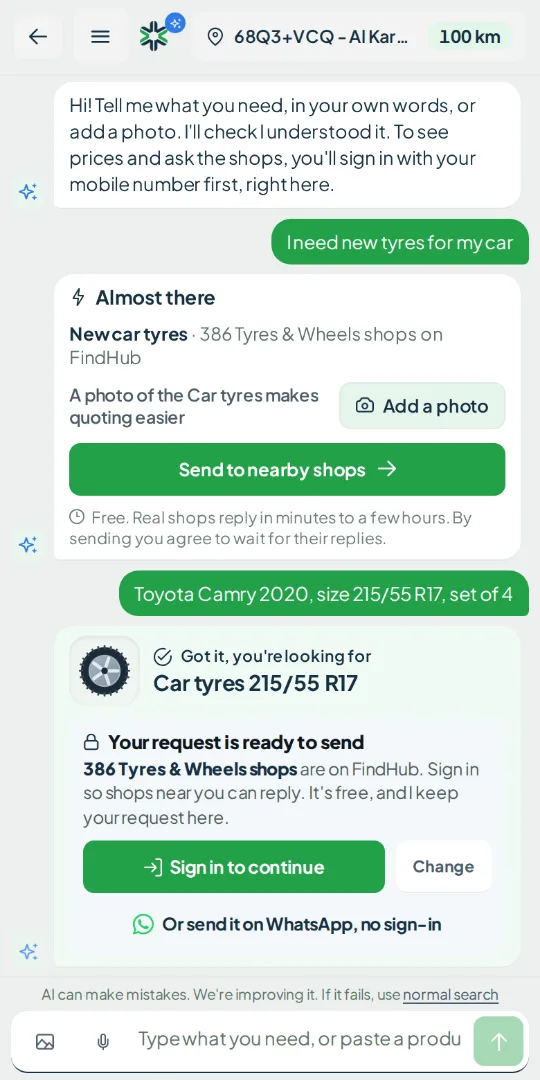
Free directory listings help people find your phone number, but they rarely bring a customer who is ready to buy today. FindHub works the other way round: the customer describes the product or job, and FindHub sends it to the registered businesses that match it and are near the customer. Your profile page shows your categories, location and hours, and links to your WhatsApp.
Step by step
- Register at business.findhub.app with your mobile number.
- Add the business name, location and opening hours.
- Choose what you sell and the services you do.
- Install the FindHub Business app to get requests as notifications.
- Also claim your Google Business Profile with the same details.
Tips
- Use the same business name everywhere.
- Add your logo and a short "what we do".
- Answer requests even with "not available": it keeps customers coming back to you.
See it in action: a real example
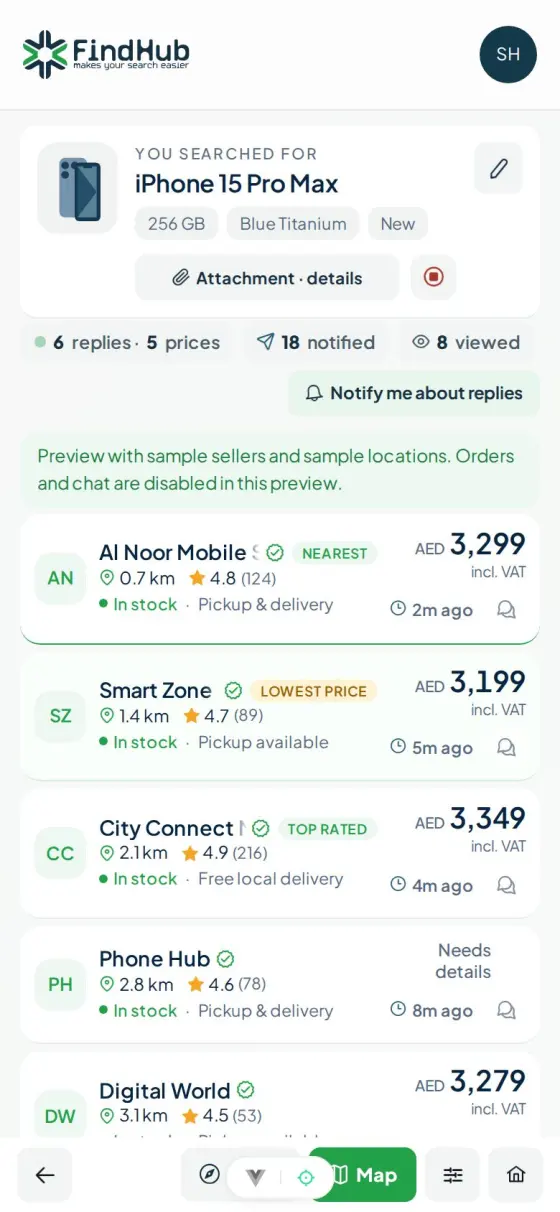
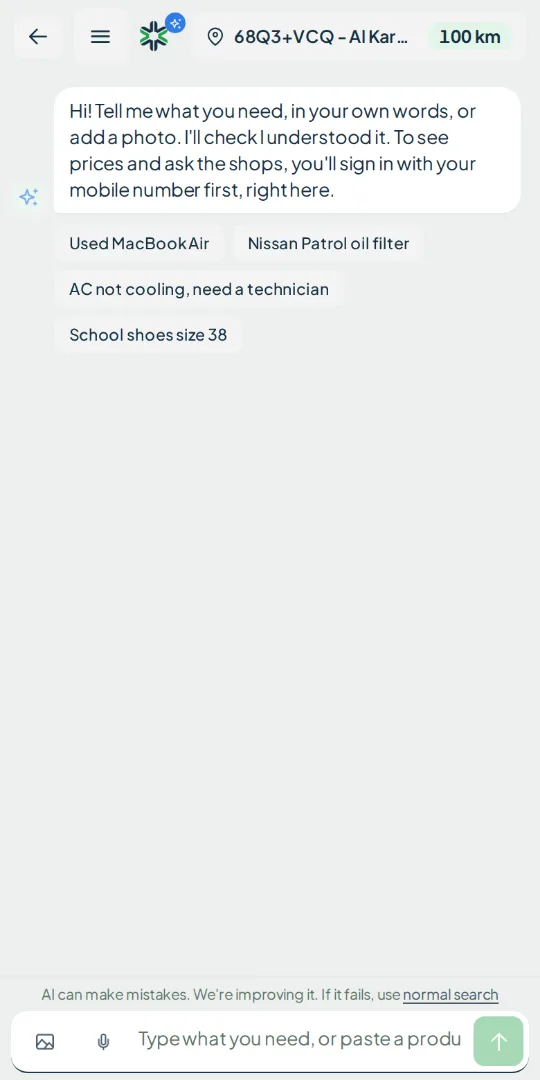
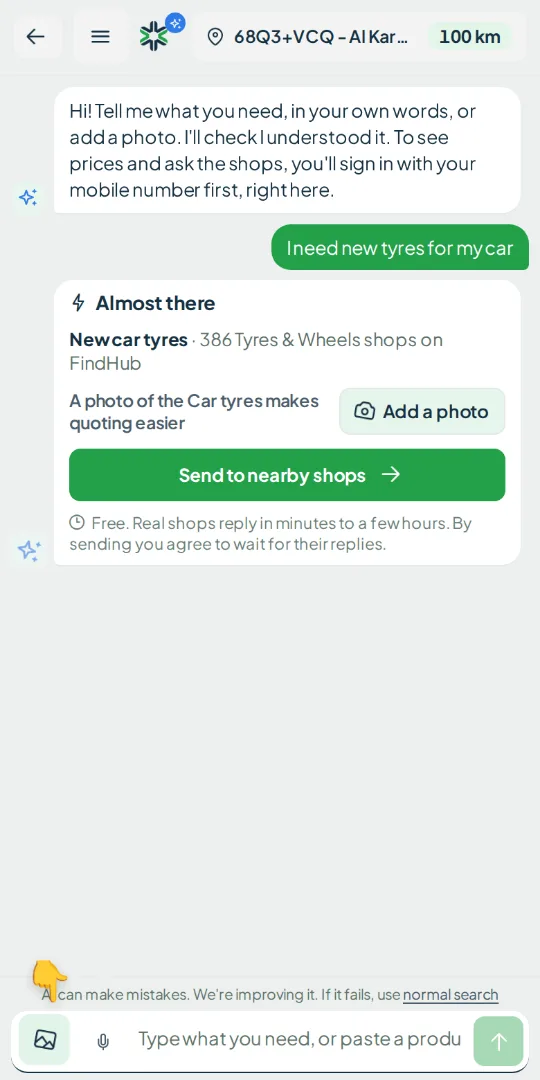
Screens from the findhub.app website with sample shop names and sample prices. Real replies depend on your area and the time of day.