The answer
Register your business free on FindHub (business.findhub.app) and choose what you sell or the services you do. Customers in the UAE describe what they need, and FindHub sends each request to the matching businesses nearby. You get the lead on your phone and reply with your price. Joining and receiving leads is free, with no commission.
Most lead sources make you pay before you know the customer is real: ads charge per click and lead sites sell the same contact to many companies. On FindHub the customer has already written what they want, often with a photo, the brand or the model, and the area. You see the request first and decide whether to reply. It works for shops, suppliers, workshops, technicians and service companies (repair, maintenance, cleaning, rental, tax and accounting) in every emirate.
Step by step
- Create a free business account at business.findhub.app (mobile number and an SMS code).
- Choose your categories and what you do in each: sell, spare parts, accessories, repair or service.
- Add your shop location and opening hours, so nearby requests reach you.
- Install the FindHub Business app and keep notifications on.
- Reply to each matching request with your price and availability, then chat with the customer.
Tips
- Reply fast: customers often choose one of the first useful replies.
- Say new or used, warranty and delivery in your reply.
- Keep your categories exact, so you get the requests you can really serve.
See it in action: a real example
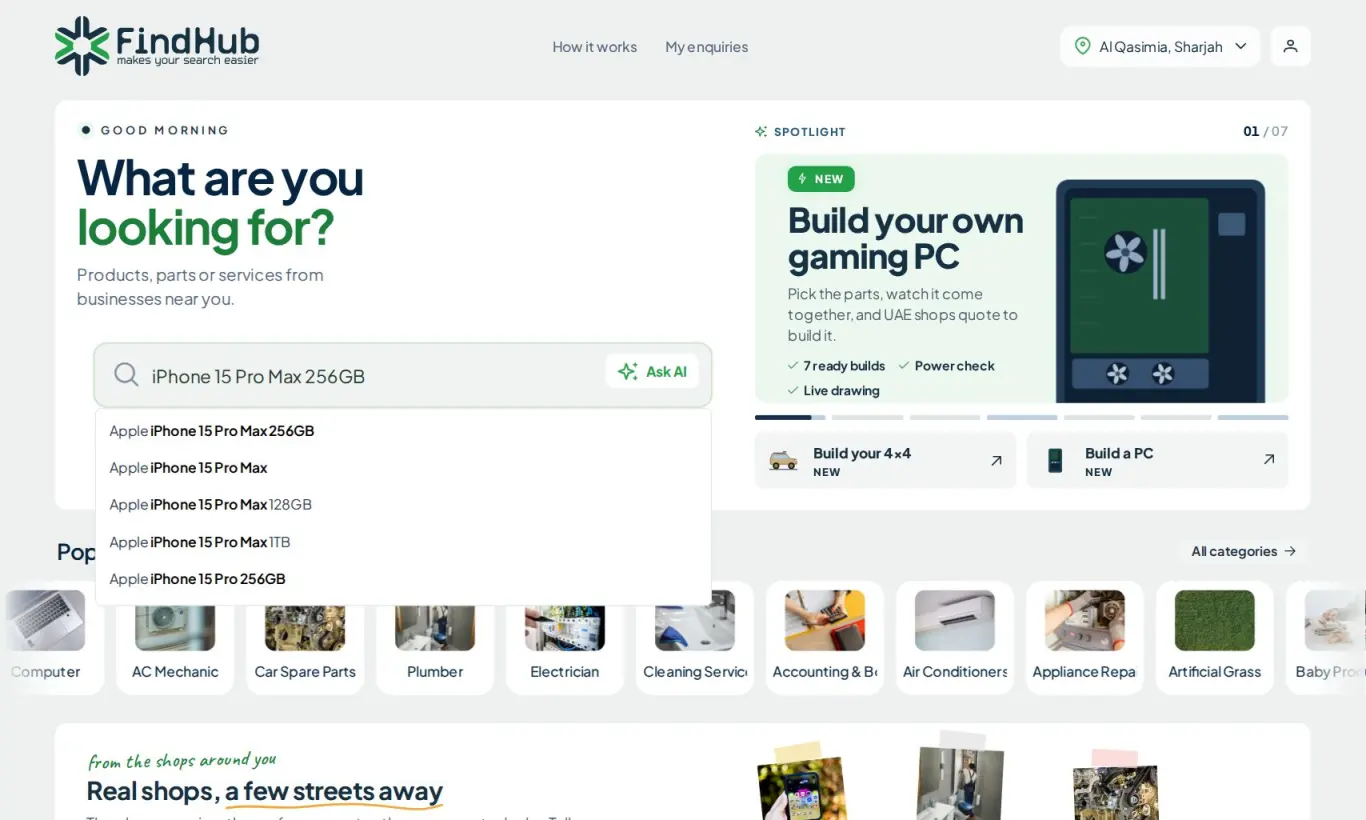
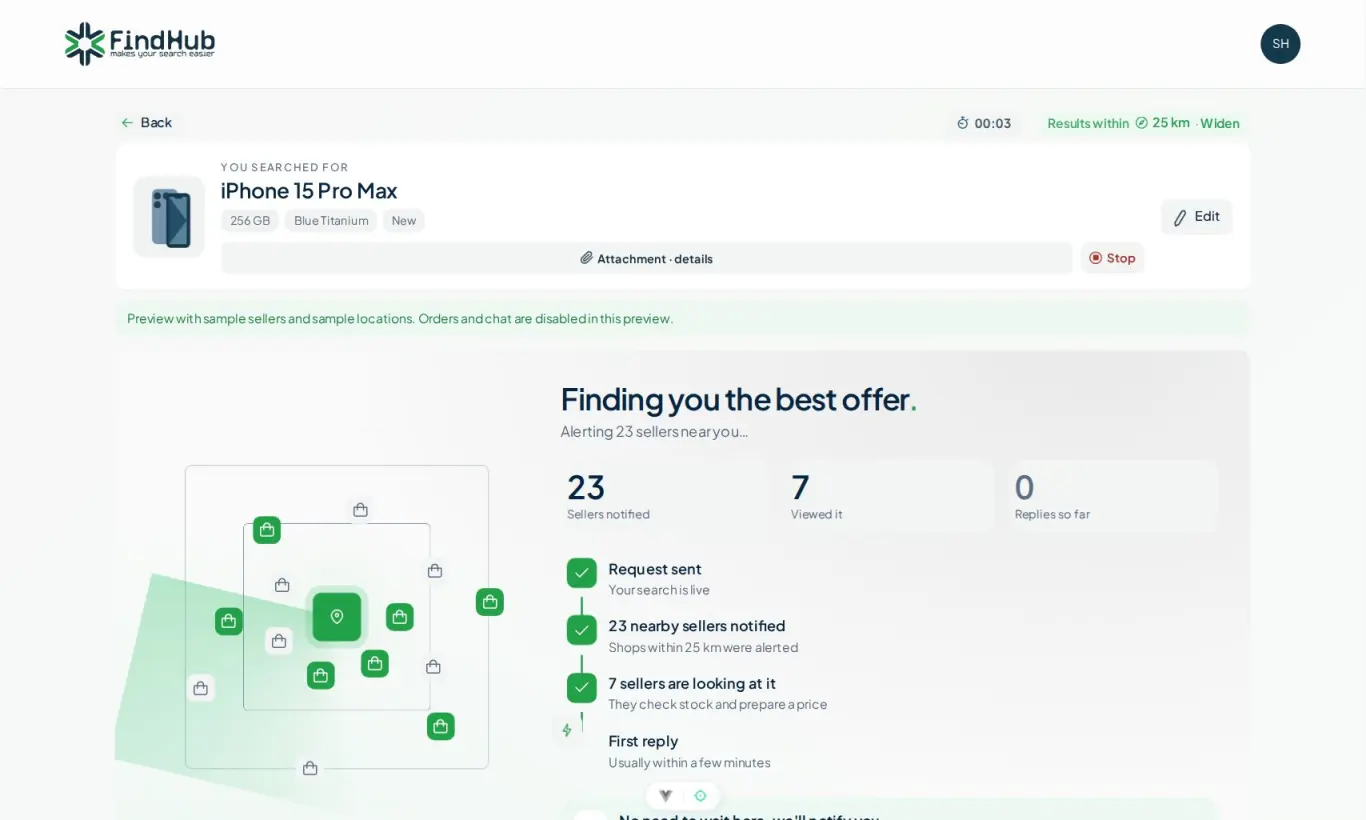
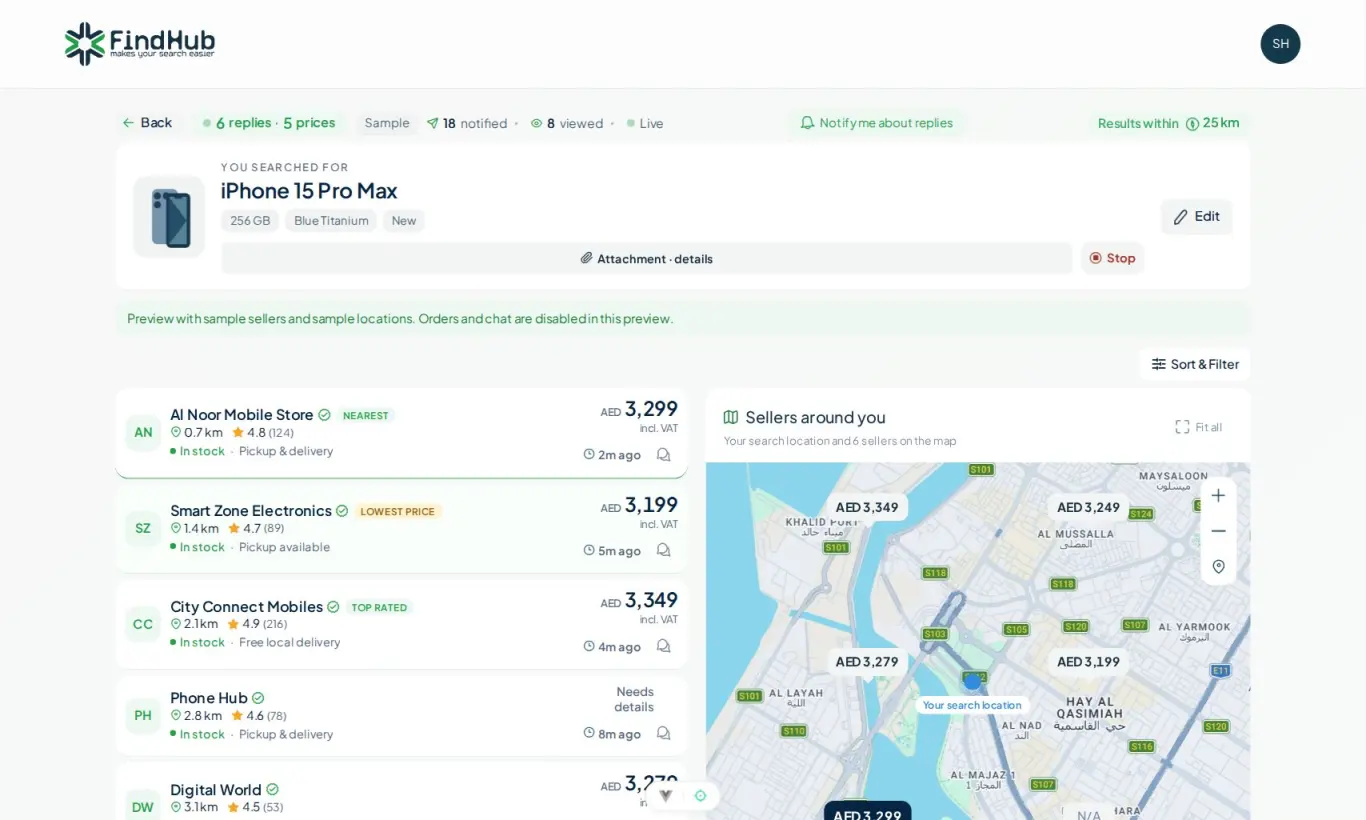
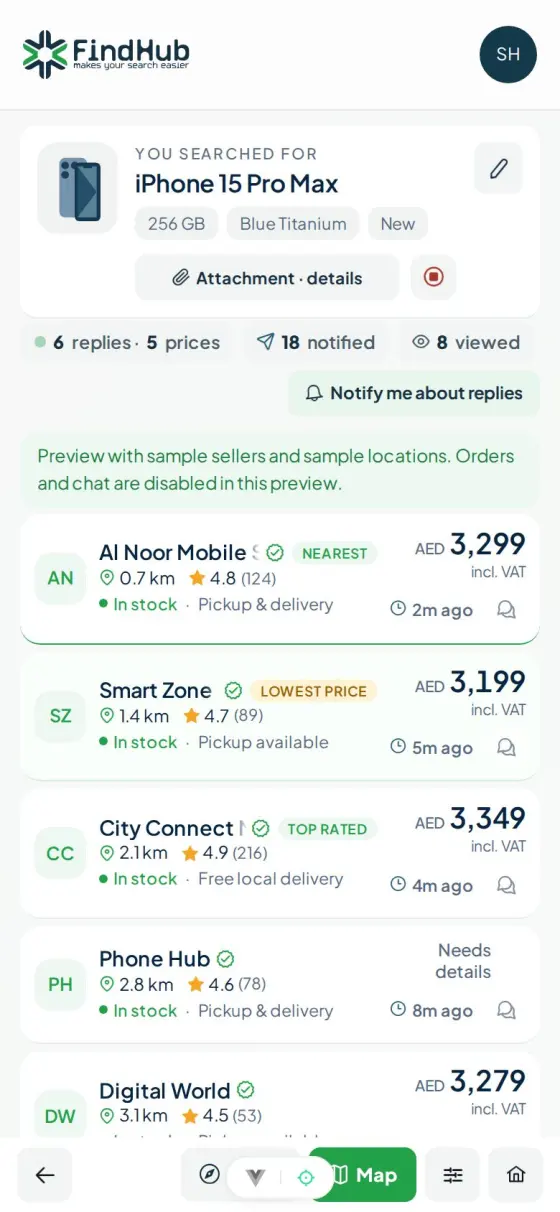
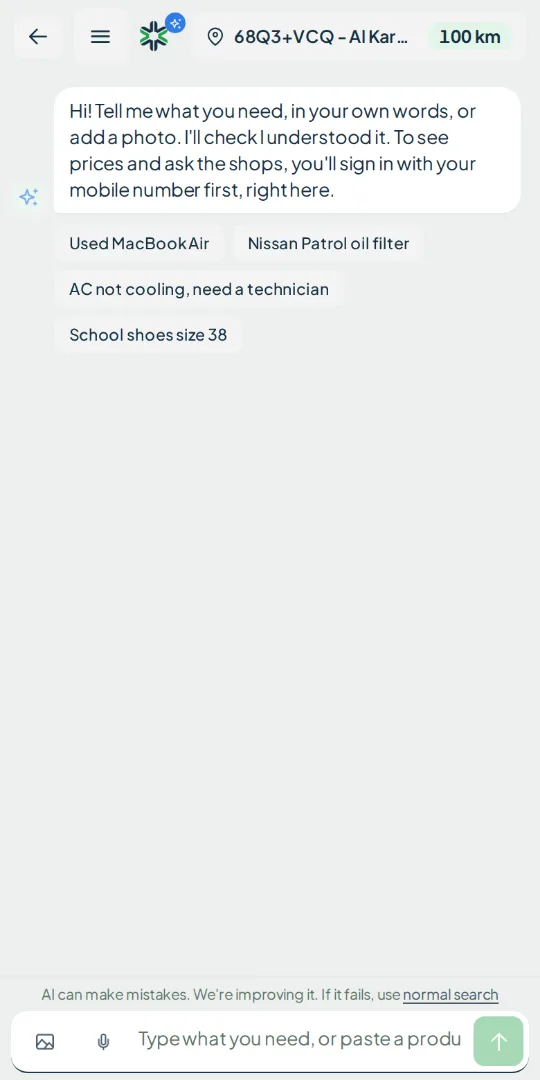
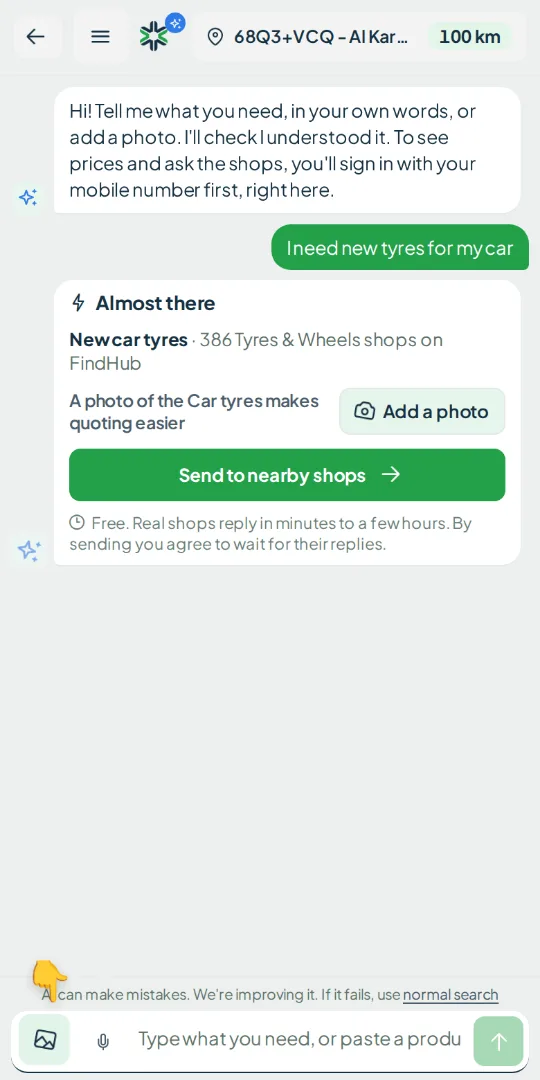
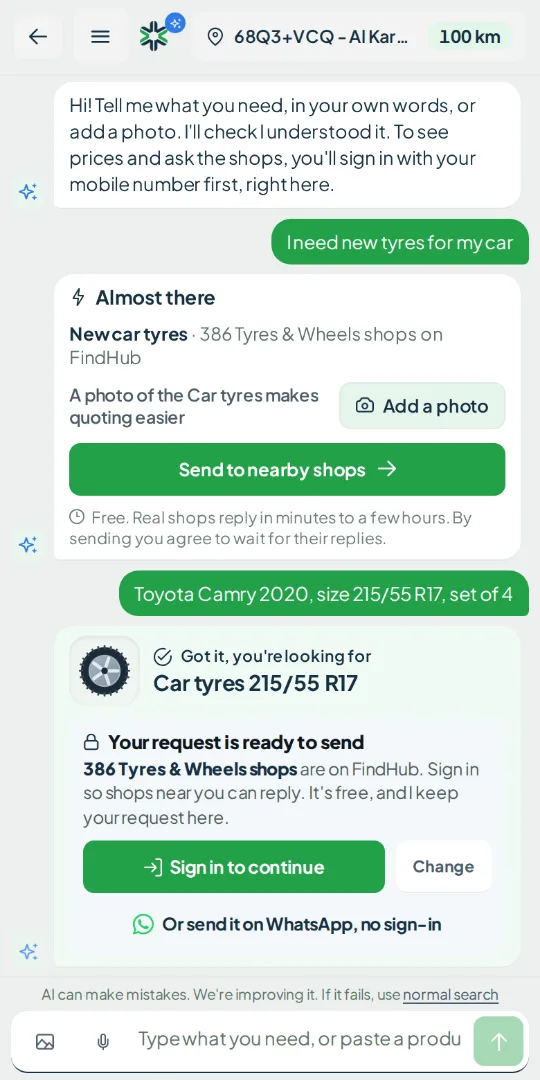
Screens from the findhub.app website with sample shop names and sample prices. Real replies depend on your area and the time of day.